⚠️ This page connects you to Atovia’s partners and affiliate markets. We may receive a commission from affiliate partners for activities made through these links. Discount offers may change at any time according to policy! Rest assured, there are no additional costs to you! We hope this saves you time in finding the right items!
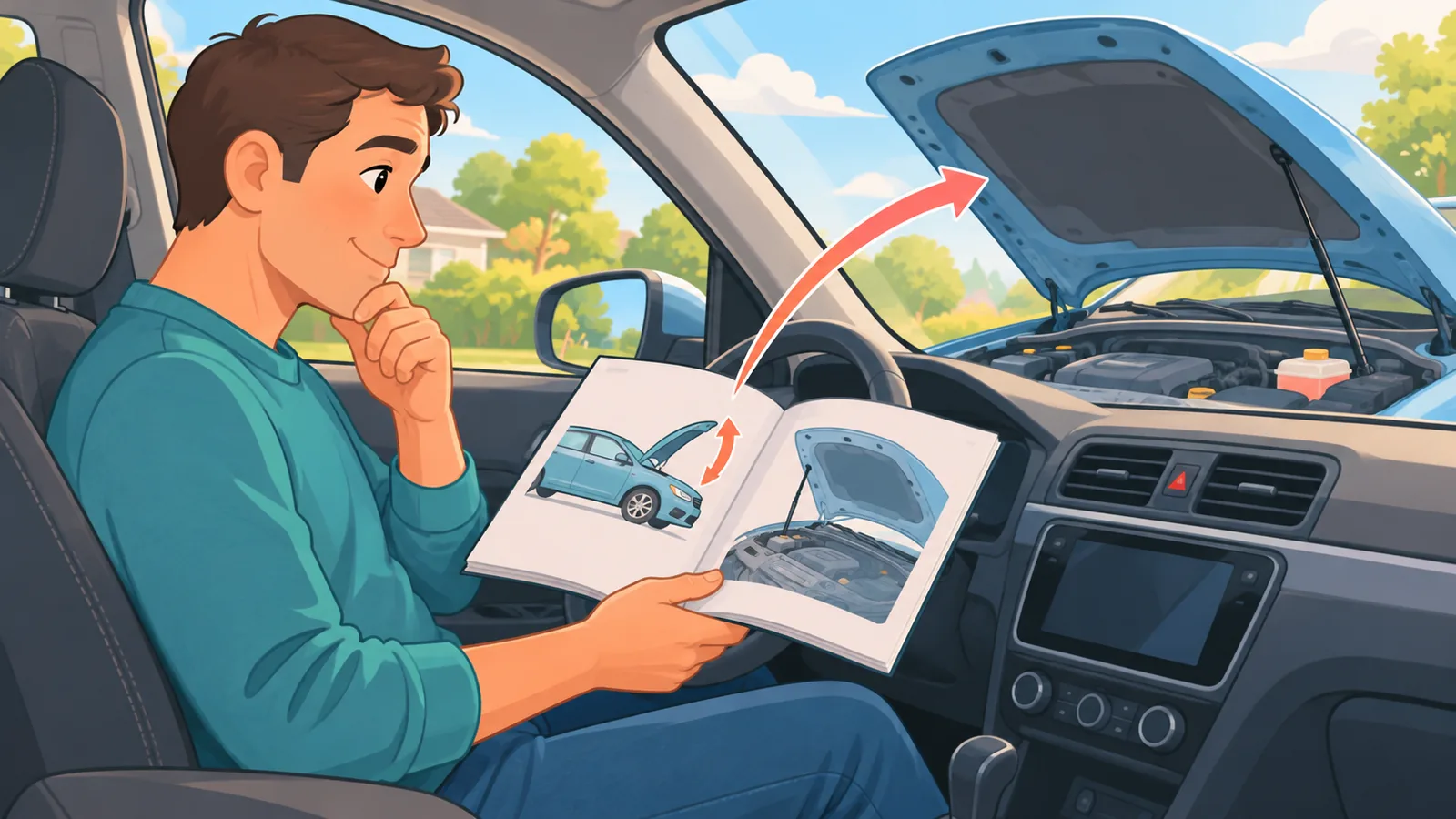
A loose or corroded battery terminal can cause starting or power problems, so it is worth inspecting the terminals before you assume the battery itself has failed. If the connection is cracked, worn, or will not hold tight, replacing the terminal may be the right fix. This guide walks you through the signs, the tools, the safety checks, and each step in order. One rule comes first: your vehicle’s owner’s manual overrides anything general in this article, including terminal type, battery location, and any electronics-related instructions.
- Signs Your Battery Terminal Needs Replacing
- Replace the Terminal or the Whole Cable?
- Tools and Materials You Will Need
- Safety Checks Before You Start
- Step 1 to 2: Disconnect the Battery (Negative First)
- Step 3 to 4: Remove the Old Terminal and Prepare the Cable
- Step 5 to 6: Install the New Terminal
- Step 7 to 8: Reconnect (Positive First) and Test the Fit
- How to Prevent Battery Terminal Corrosion
- Frequently Asked Questions
- Replace a terminal when corrosion stays after cleaning, the clamp is cracked or worn, or it will not hold tight.
- The common order is to disconnect negative (-) first and reconnect positive (+) first. Your owner’s manual takes priority for your specific vehicle.
- Wear gloves and safety glasses, and keep metal tools from touching both posts at the same time.
- Do not work on a battery with a swollen or cracked case or visible leaks. Call a professional instead.
Signs Your Battery Terminal Needs Replacing
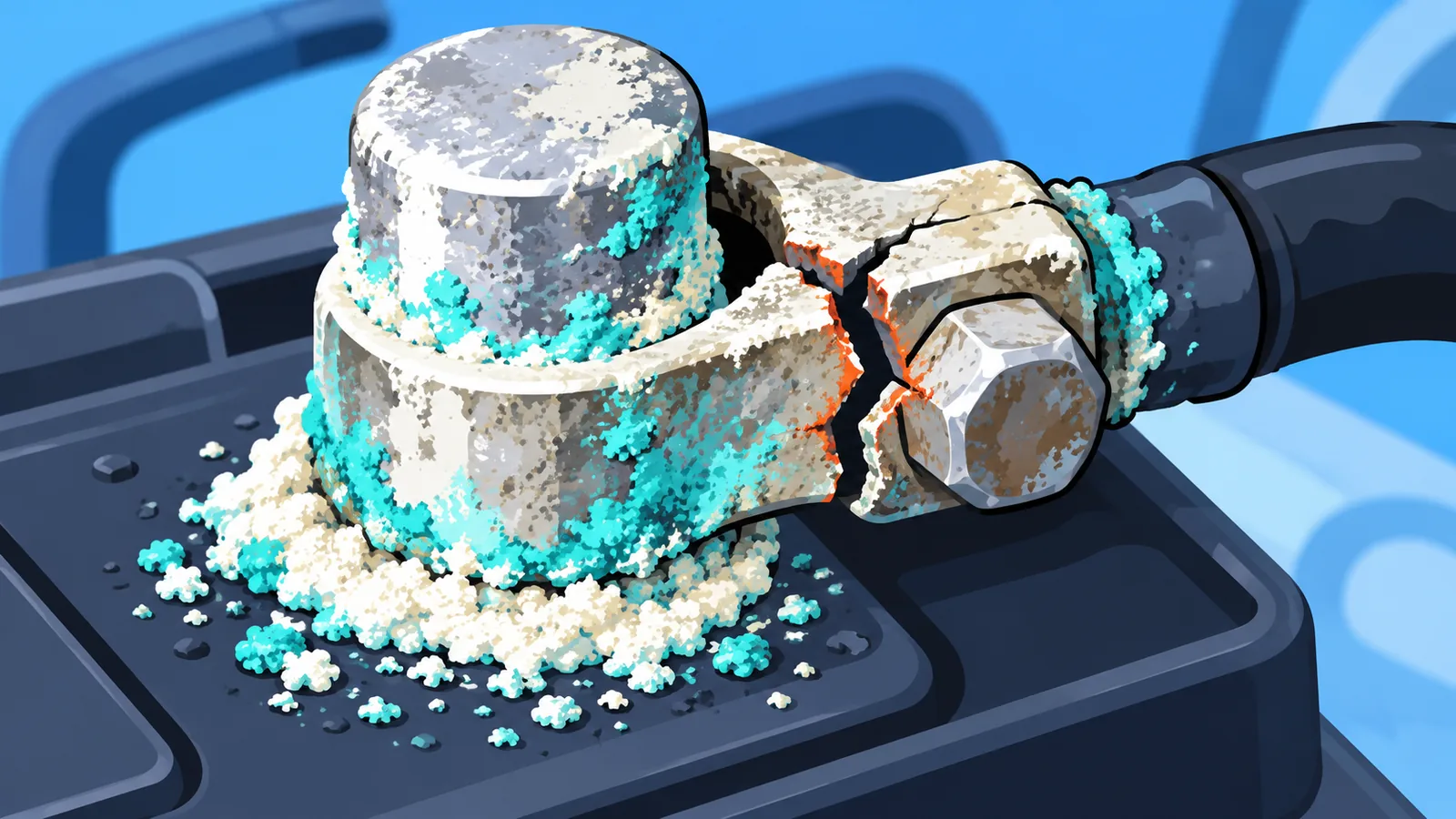
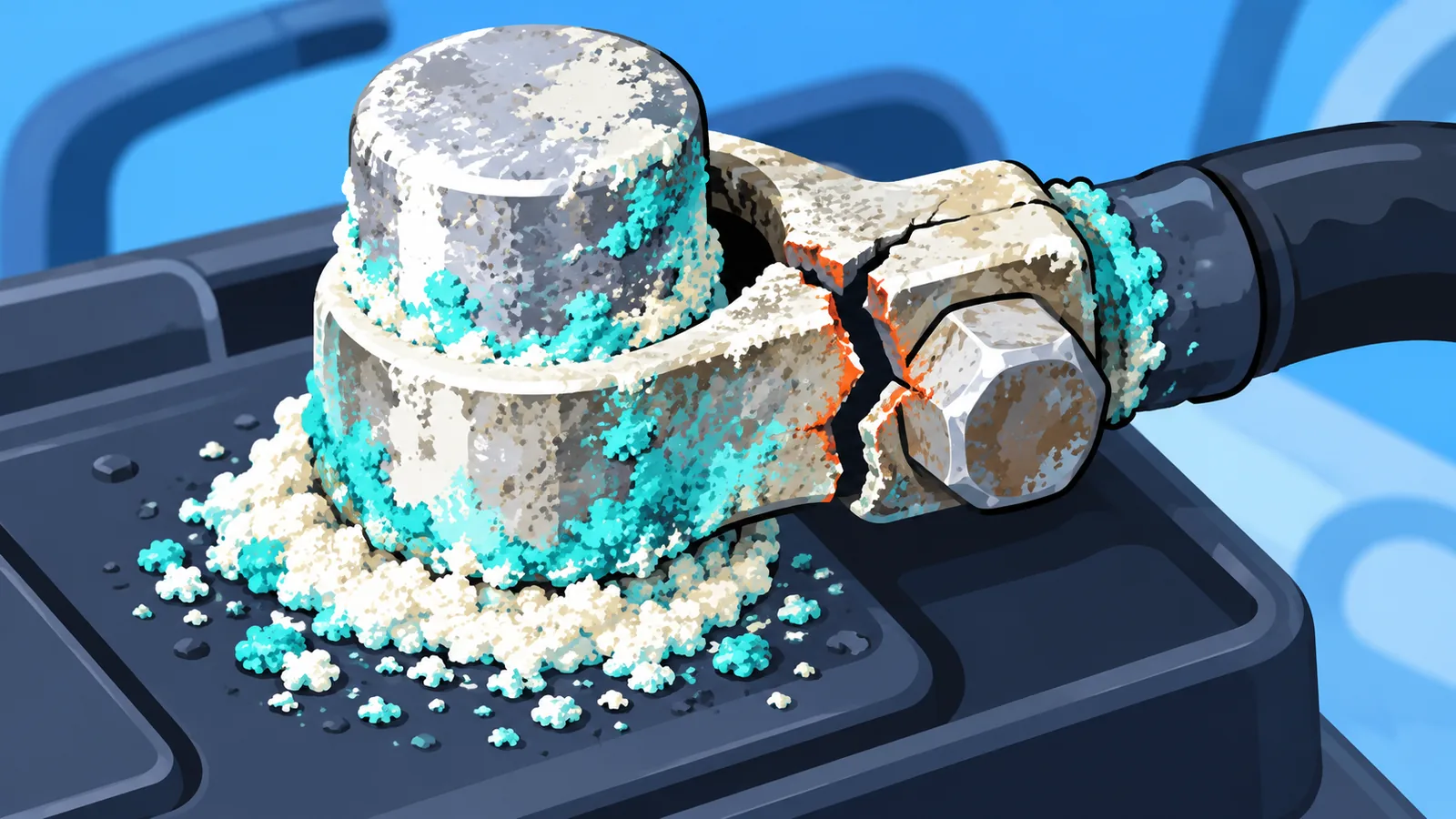
Not every dirty or loose terminal needs to be replaced. Cleaning and re-tightening solves many cases. Replacement is worth considering when one of the following is true:
- Corrosion that remains after cleaning. You scrubbed the terminal and the buildup is still there, or it keeps coming back.
- Cracks or wear. The clamp is cracked, chewed up, or visibly worn down.
- A connection that will not stay tight. You tighten the clamp and it still moves or does not hold.
Run through this short checklist before you buy parts: look at both terminals, try to wiggle each clamp by hand (with the engine off), and note whether the problem is only surface buildup or actual damage to the metal. Surface buildup alone points toward cleaning, while damage points toward replacement.
Replace the Terminal or the Whole Cable?
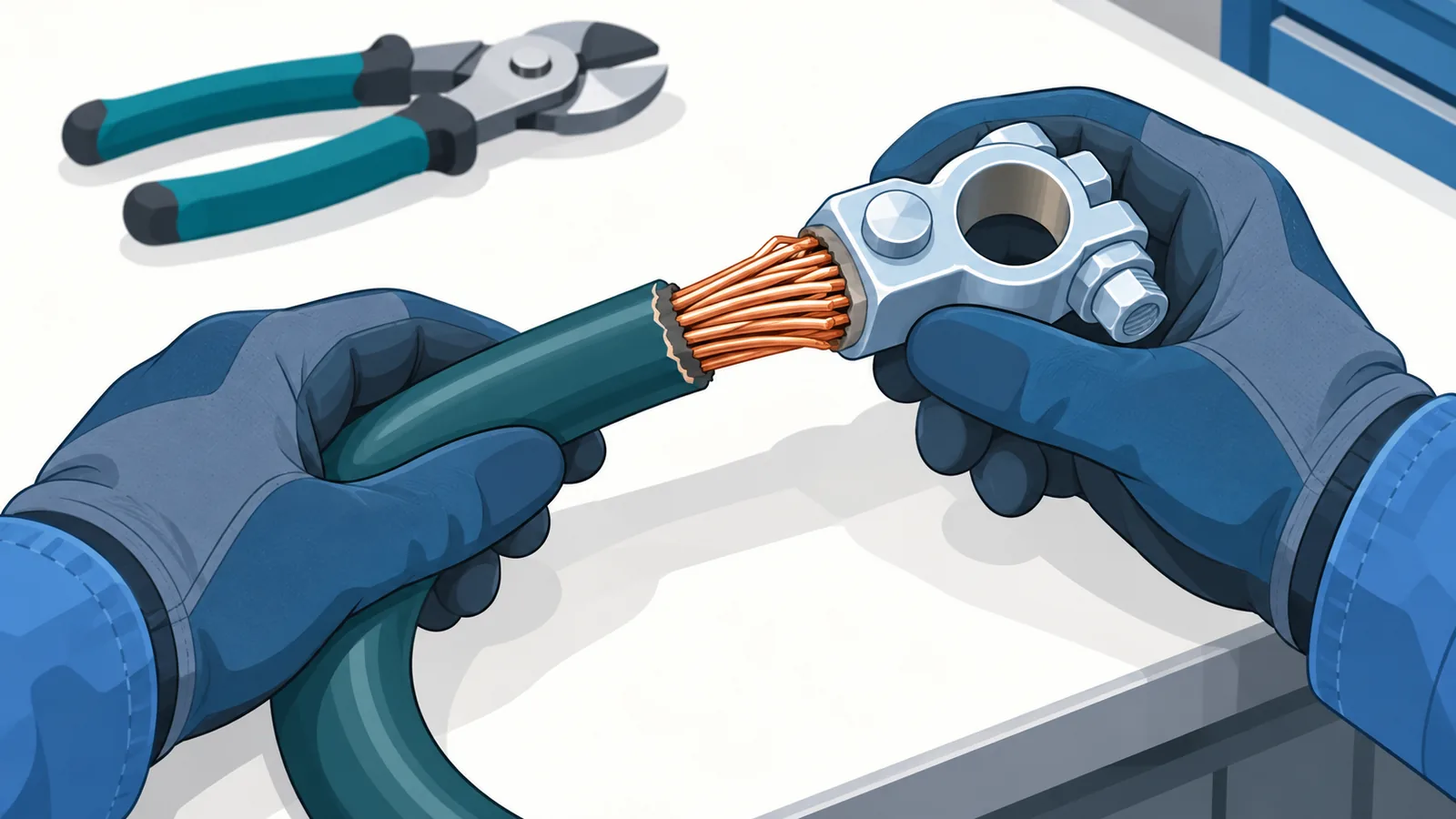
Before you cut anything, inspect the cable itself. If the cable is intact and long enough to lose a small length at the end, replacing just the terminal end is the approach repair guides describe. If the cable is damaged, or too short to shorten safely, replacing only the terminal end is not the right fix. In that case, check your owner’s manual or ask a professional how to proceed. Do not guess at how much cable you can afford to lose.
| Option | Best for | Effort | What to inspect first |
|---|---|---|---|
| Clean and re-tighten | Surface buildup on an undamaged clamp that holds firmly once tightened | Lowest | Whether corrosion returns after cleaning and whether the clamp stays tight |
| Replace the terminal end | A cracked, worn, or badly corroded terminal on a cable that is otherwise in good shape | Moderate | Cable condition near the end and whether enough length remains |
| Replace the full cable | A damaged cable, or one that is too short to shorten safely | Highest | Insulation damage, corrosion along the cable, and what your manual specifies |
Tools and Materials You Will Need
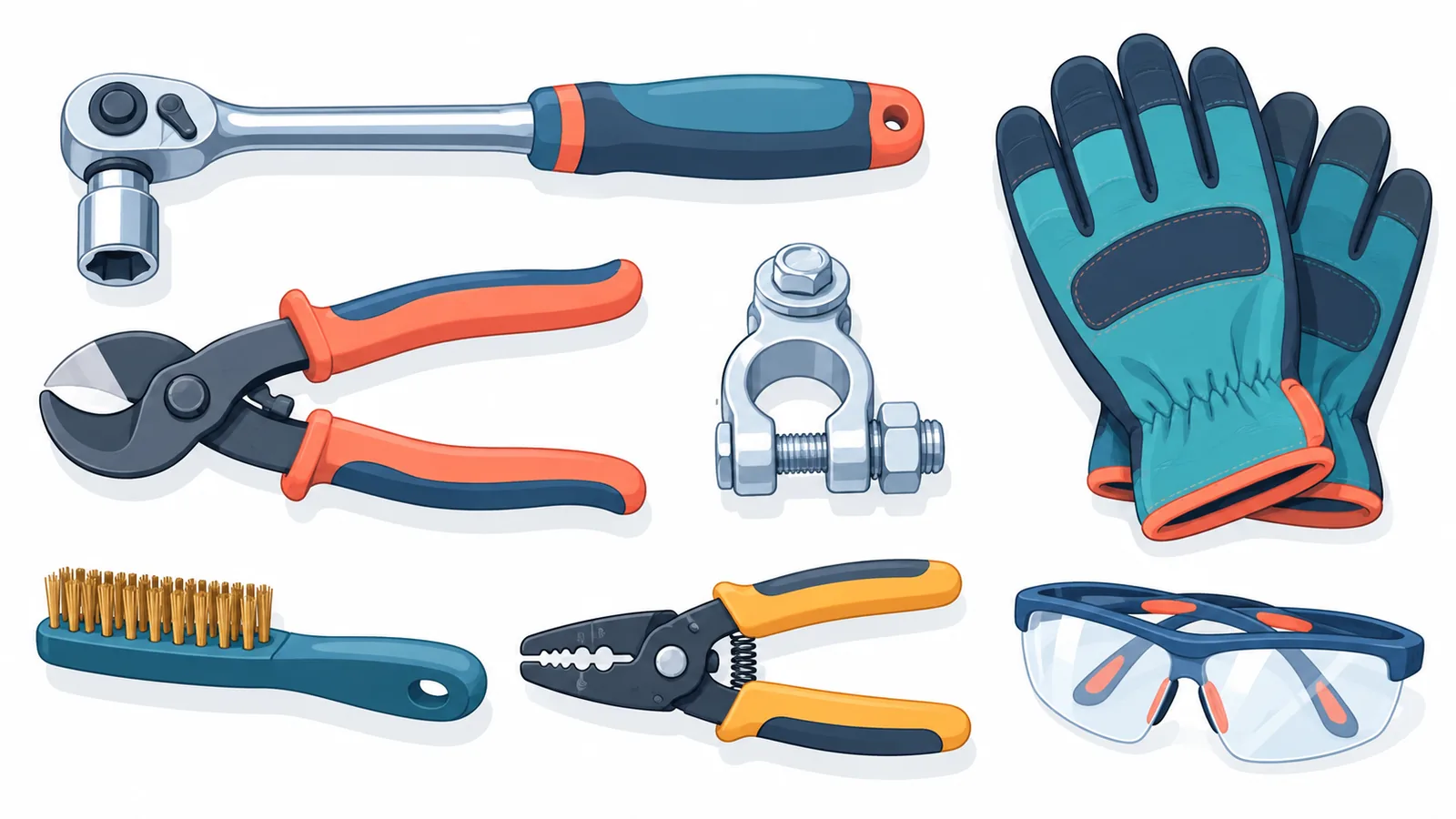
- Wrench or socket (10mm is common, but check your vehicle)
- Cable cutter
- Wire brush
- Wire stripper
- New battery terminal
- Gloves
- Safety glasses
When choosing a replacement terminal, match it to the old one and to your cable. Check your owner’s manual or the vehicle’s service information for the correct terminal type rather than guessing from appearance alone.
Safety Checks Before You Start
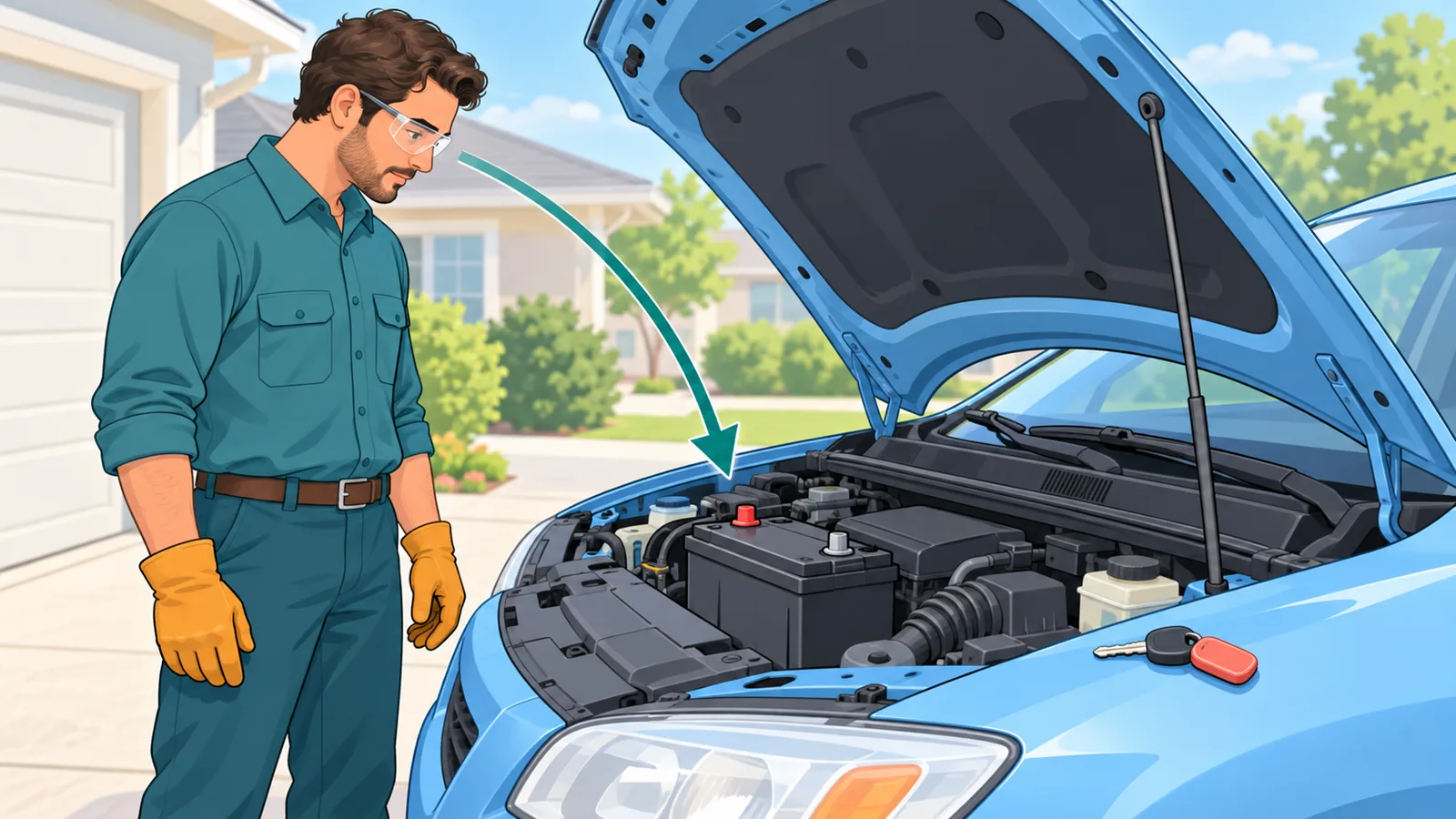
- Turn the engine off and remove the key.
- Put on gloves and safety glasses.
- Keep metal tools and objects from touching both battery posts at once, since that can cause a short.
- Batteries can release hydrogen gas during charging, so keep sparks, flames, and other ignition sources away.
Stop and call a professional if the battery case is swollen or cracked, or if you see fluid leaking. Do not attempt the steps in this guide on a damaged battery.
A note on vehicle memory: disconnecting the battery can reset vehicle settings or control module data, and some vehicles may need relearning afterward. The effect varies by vehicle, so check your manual.
Step 1 to 2: Disconnect the Battery (Negative First)
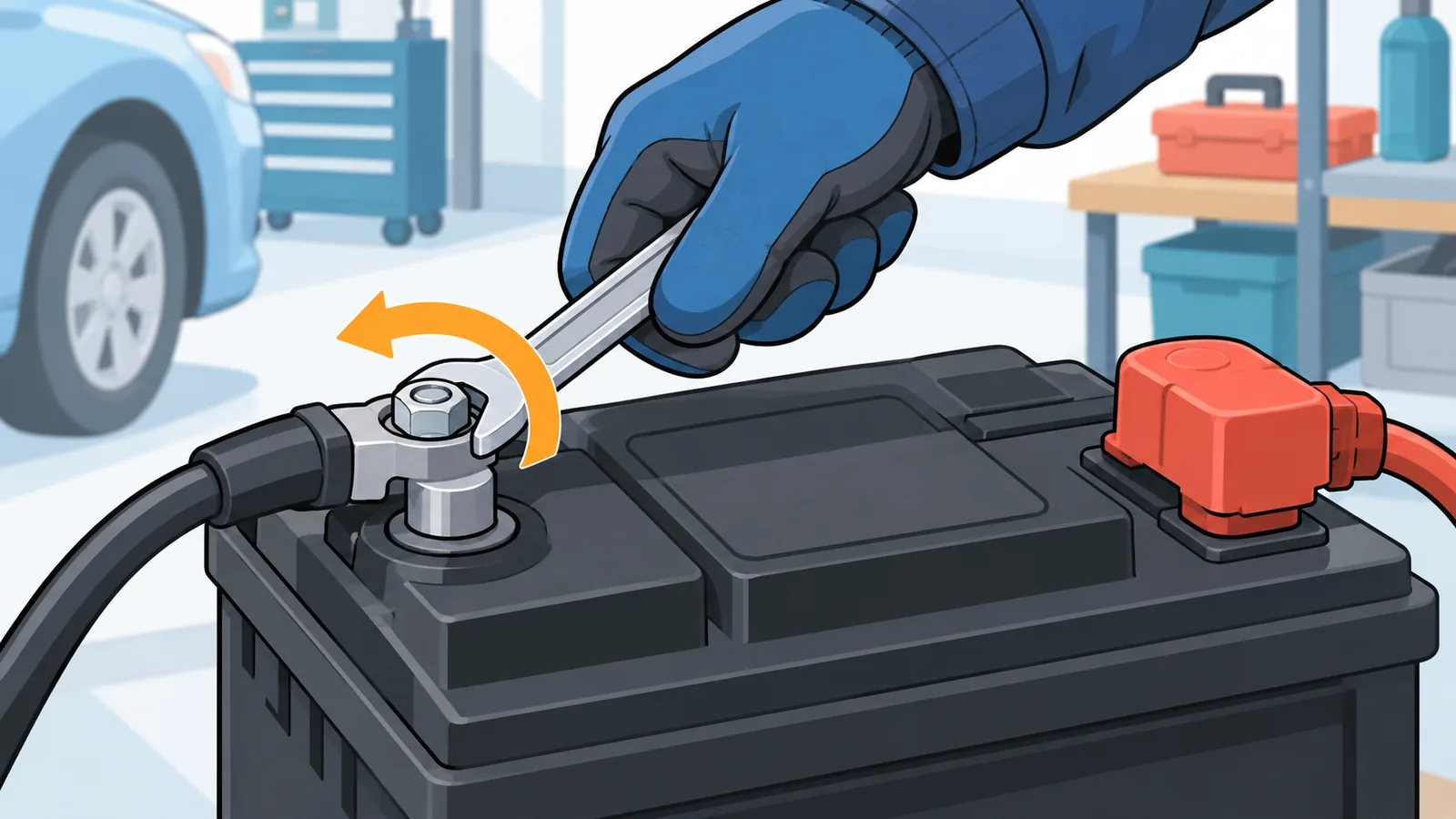
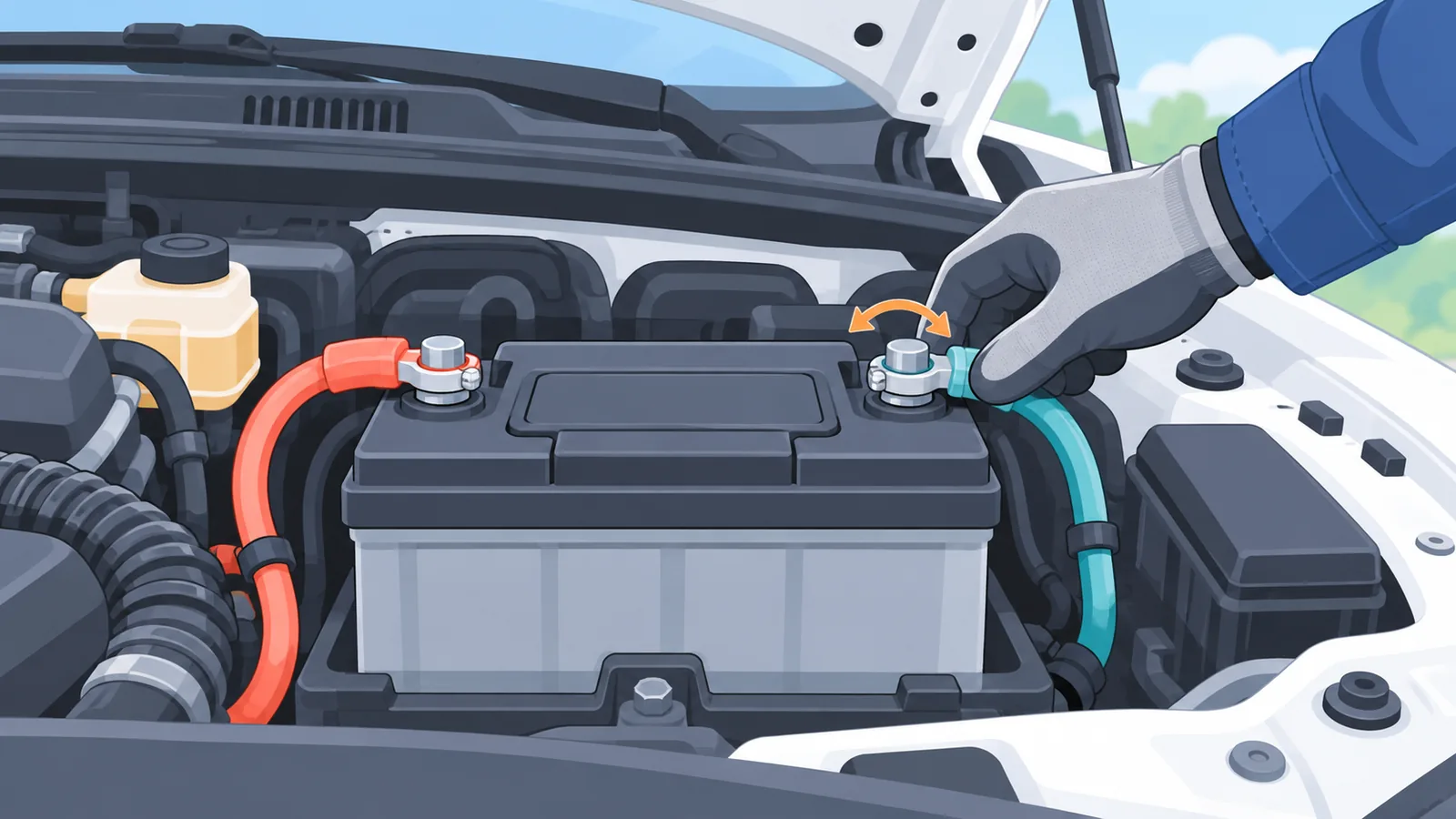
- Loosen and remove the negative (-) cable first. This is the common order. Removing it first reduces the chance of a short circuit if your wrench touches the vehicle body while you work on the positive side.
- Loosen and remove the positive (+) cable second. Lift each cable off its post and tuck both away so they cannot touch the posts or each other.
🛒 Recommended Product
This sequence is the general practice, not a rule that fits every vehicle. If your manual gives a different procedure, follow the manual.
Step 3 to 4: Remove the Old Terminal and Prepare the Cable
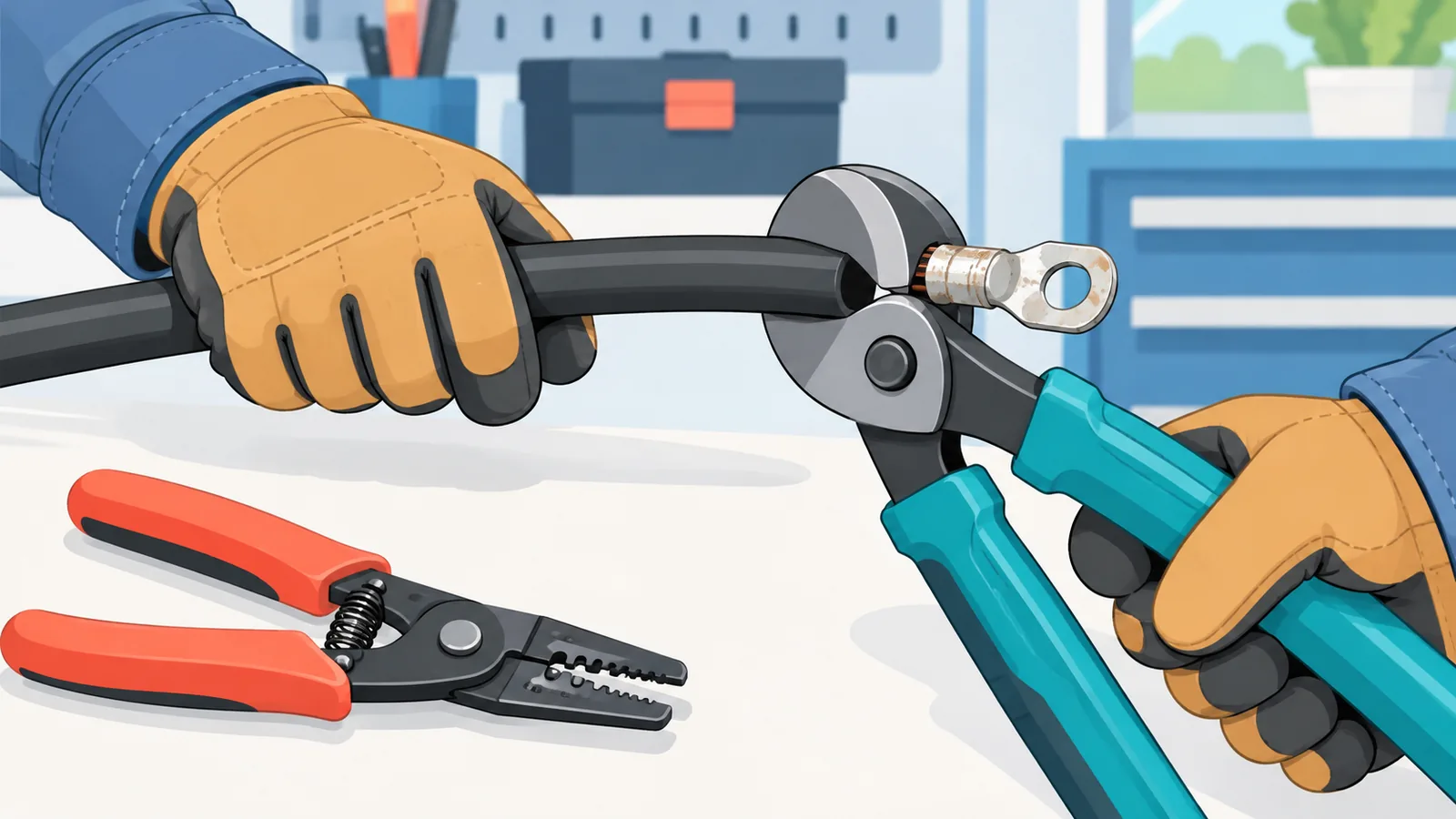
- Check the cable before cutting. Confirm it is undamaged and long enough that removing the old end will not leave it too short to reach the post.
- Cut off the old terminal and strip the insulation. Cut only as much as you need, then strip back the insulation to expose fresh wire. AutoZone’s example strips about 1/2 inch. Treat that as an example from one guide, not a universal spec.
Never cut more cable than necessary, since you cannot add length back.
Step 5 to 6: Install the New Terminal
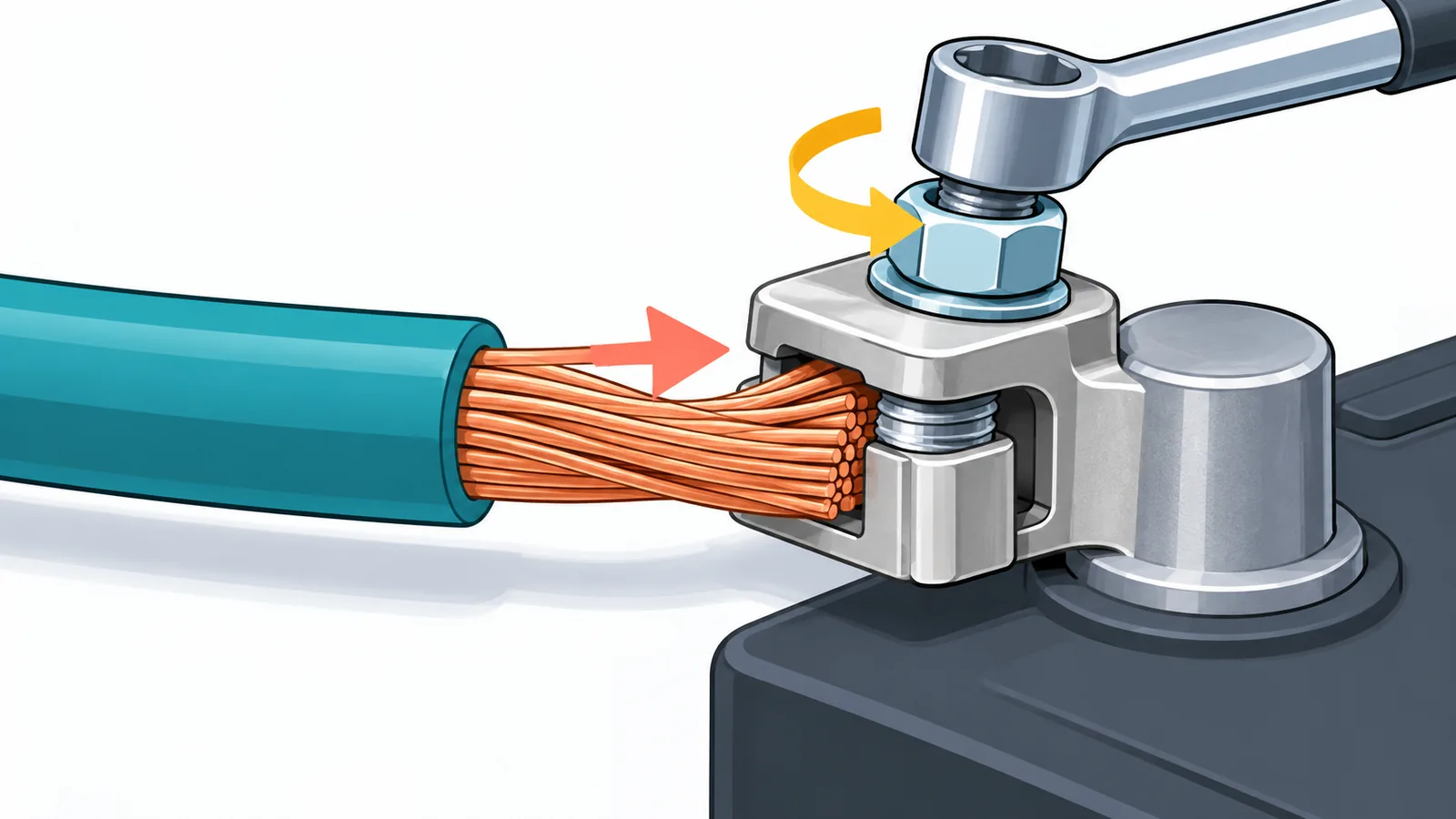
- Seat the wire plate in the original order. When fitting the new terminal, put the parts together in the same order the old terminal used, as iFixit’s guide describes.
- Secure the cable in the new terminal. Keep the insulation out of the clamp. In AutoZone’s example, about 1/8 inch of bare wire shows past the terminal. Tighten the nut until the connection does not move, but do not overtighten.
Step 7 to 8: Reconnect (Positive First) and Test the Fit
- Reconnect the positive (+) cable first, then the negative (-) cable. This is the reverse of the removal order.
- Test the fit. Give each terminal a light shake to confirm it does not move. If it does, tighten a little more without overtightening. Then start the vehicle and confirm it operates normally. Expect that some settings may need to be reset.
Final checklist:
- Both terminals are secure and do not move.
- No bare metal is touching the body or the other terminal.
- Cables are routed clear of moving parts and the posts.
- The vehicle starts and runs normally, and any reset settings are noted.
Before you begin, check your owner’s manual for your vehicle’s battery and terminal details.
How to Prevent Battery Terminal Corrosion
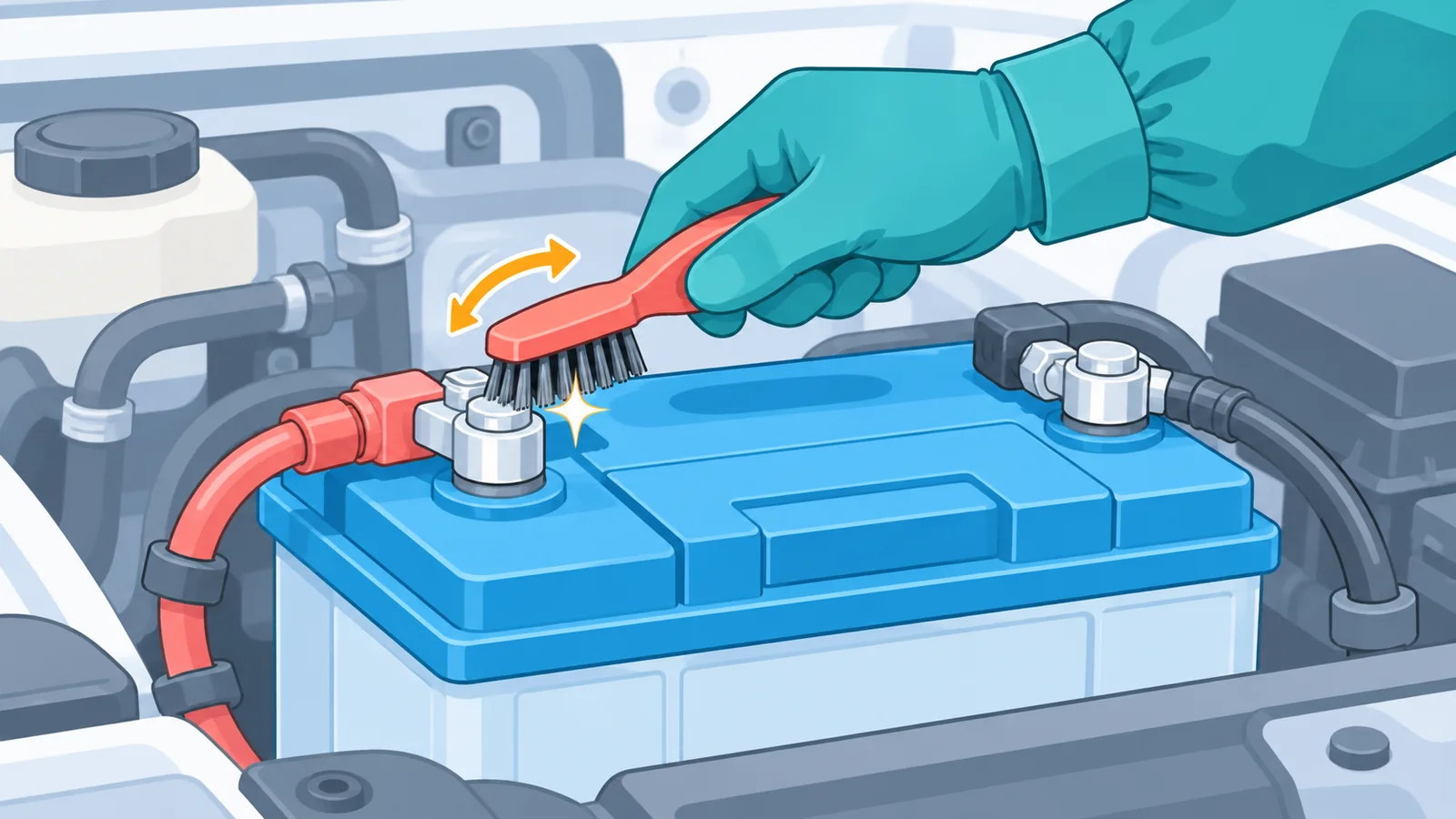
Good habits keep a new terminal working properly. Inspect your battery terminals from time to time, clean off buildup with a wire brush when you see it, and make sure the connections stay tight. If corrosion keeps returning quickly, or the clamp starts to loosen again, that is a sign to look at the terminal and cable more closely.
Frequently Asked Questions
Do I replace just the terminal or the cable too?
Inspect the cable first. If it is intact and long enough to lose a small length at the end, replacing the terminal end is the approach the guides describe. If the cable is damaged or too short, check your manual or ask a professional.
Why disconnect negative first?
It reduces the risk of a short circuit if a tool touches the vehicle body while you are working on the positive side.
Will disconnecting the battery reset my car?
It can. Vehicle settings or control module data may reset or need relearning, and the effect varies by vehicle. Your owner’s manual is the best place to check.
Can I over-tighten a terminal?
Yes. Tighten until the connection does not move, then stop. A light shake test after reconnecting is a simple way to confirm the fit without overtightening.
When should I stop and call a mechanic?
Stop if the battery case is swollen or cracked, if you see leaking fluid, if the cable is damaged or too short to work with, or if you are unsure about your vehicle’s procedure.
References
Want more comparisons and buying guides?