⚠️ This page connects you to Atovia’s partners and affiliate markets. We may receive a commission from affiliate partners for activities made through these links. Discount offers may change at any time according to policy! Rest assured, there are no additional costs to you! We hope this saves you time in finding the right items!
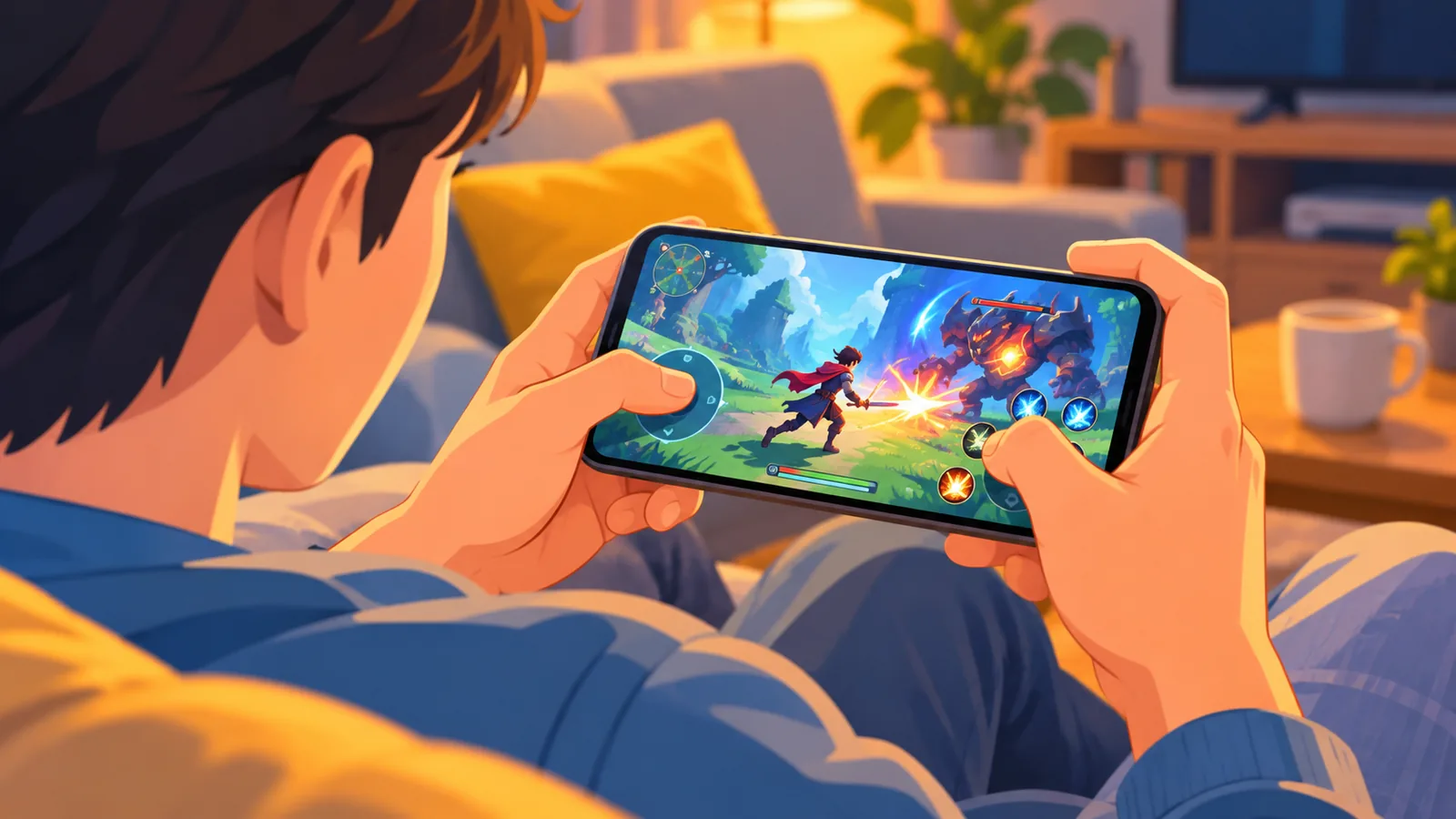
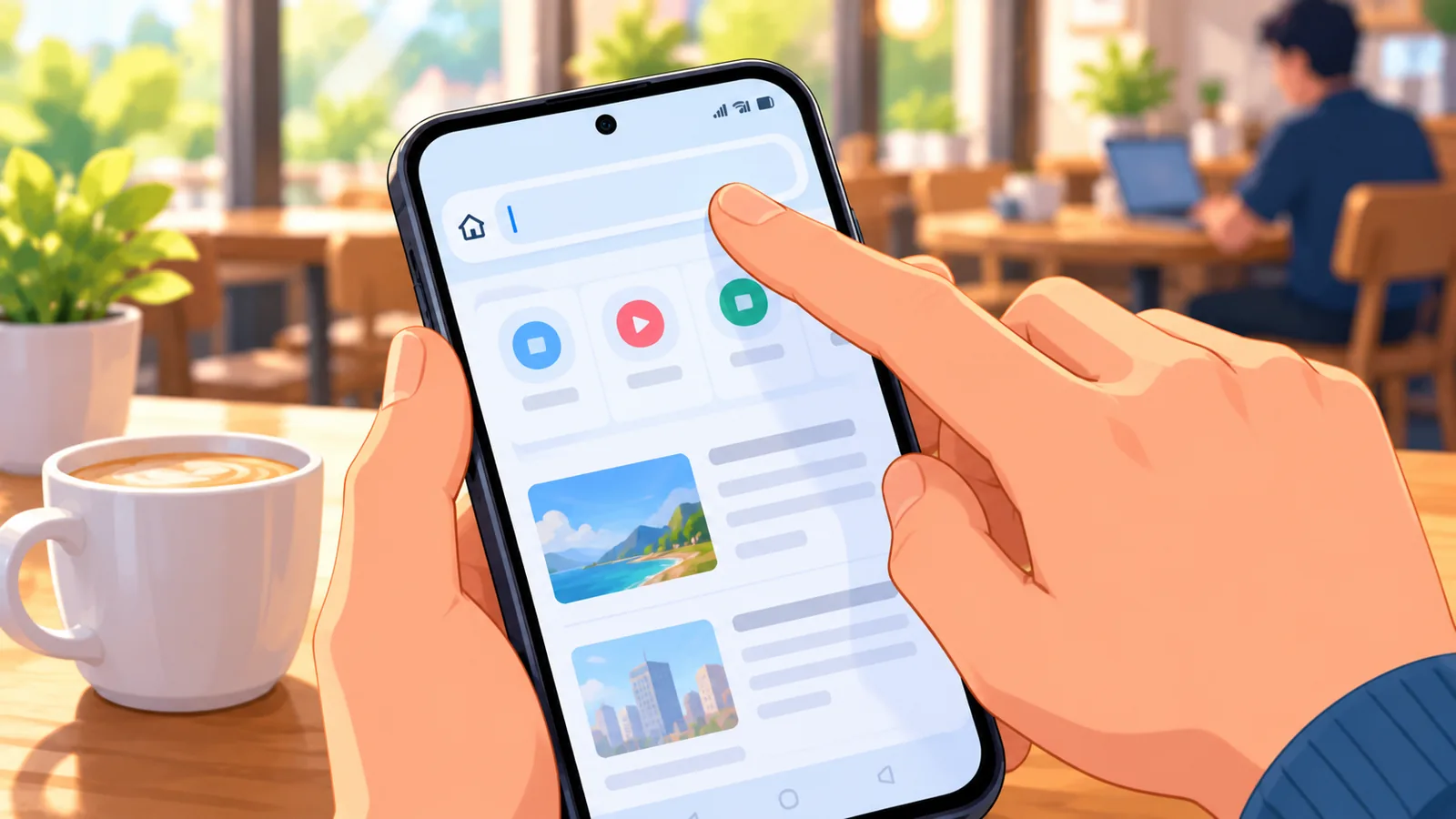
You’re on your phone, you want to jump into an Xbox game, and there’s no controller anywhere nearby. Good news: some games offer touch controls, so you can play with just your screen. The catch is that not every game does, so a little checking up front saves a lot of frustration.
[[IMAGE_1]]
- Can You Play Xbox Cloud Gaming on Android Without a Controller?
- What You Need Before You Start
- How to Launch Xbox Cloud Gaming on Your Android Phone
- How to Find Games With Touch Controls
- Touch Controls vs. a Physical Controller
- Why a Game Might Not Be Available or Playable
- Tips for a Smoother Session on Mobile
- Frequently Asked Questions
- Quick Recap and Your Next Step
Can You Play Xbox Cloud Gaming on Android Without a Controller?
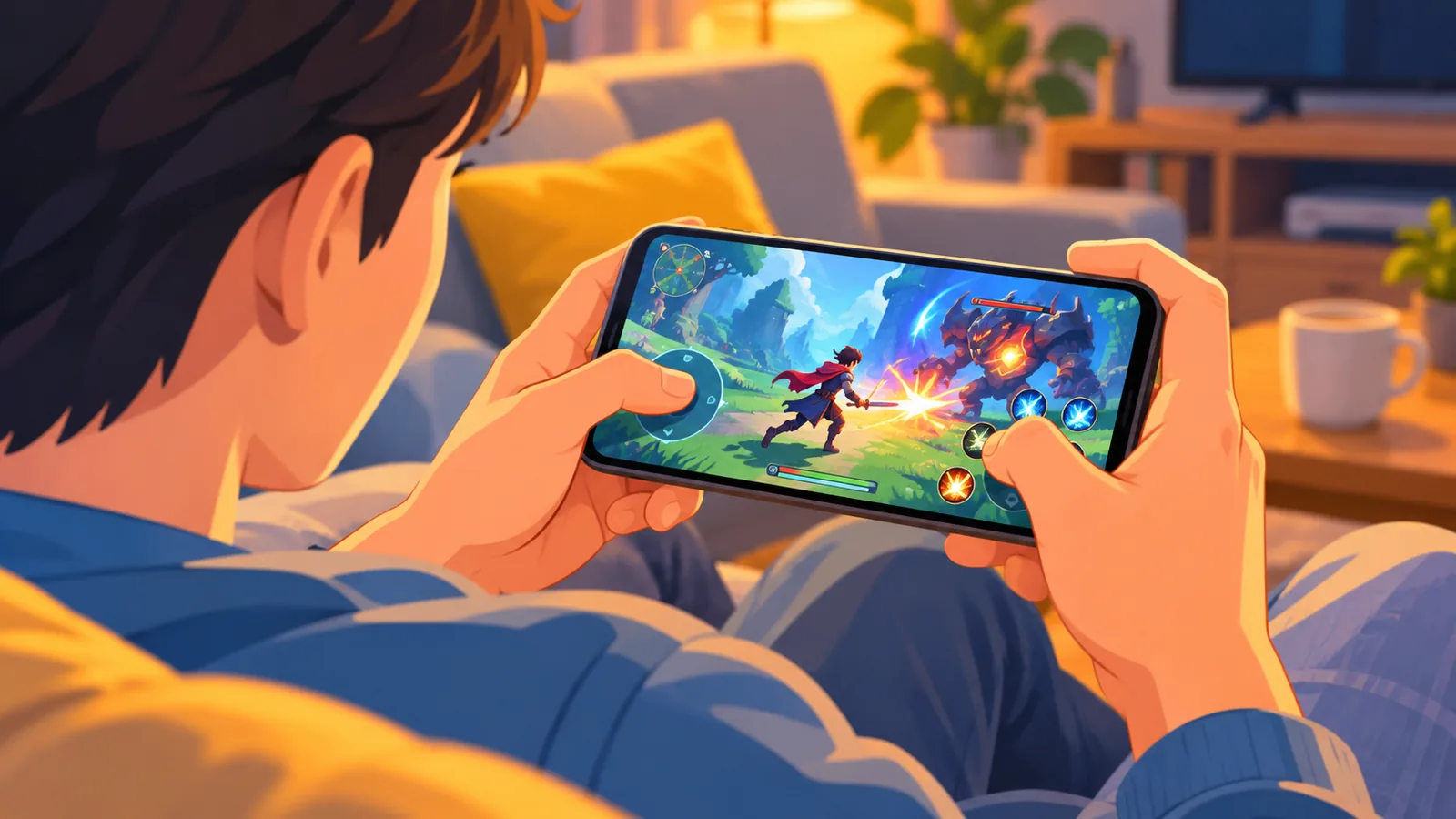
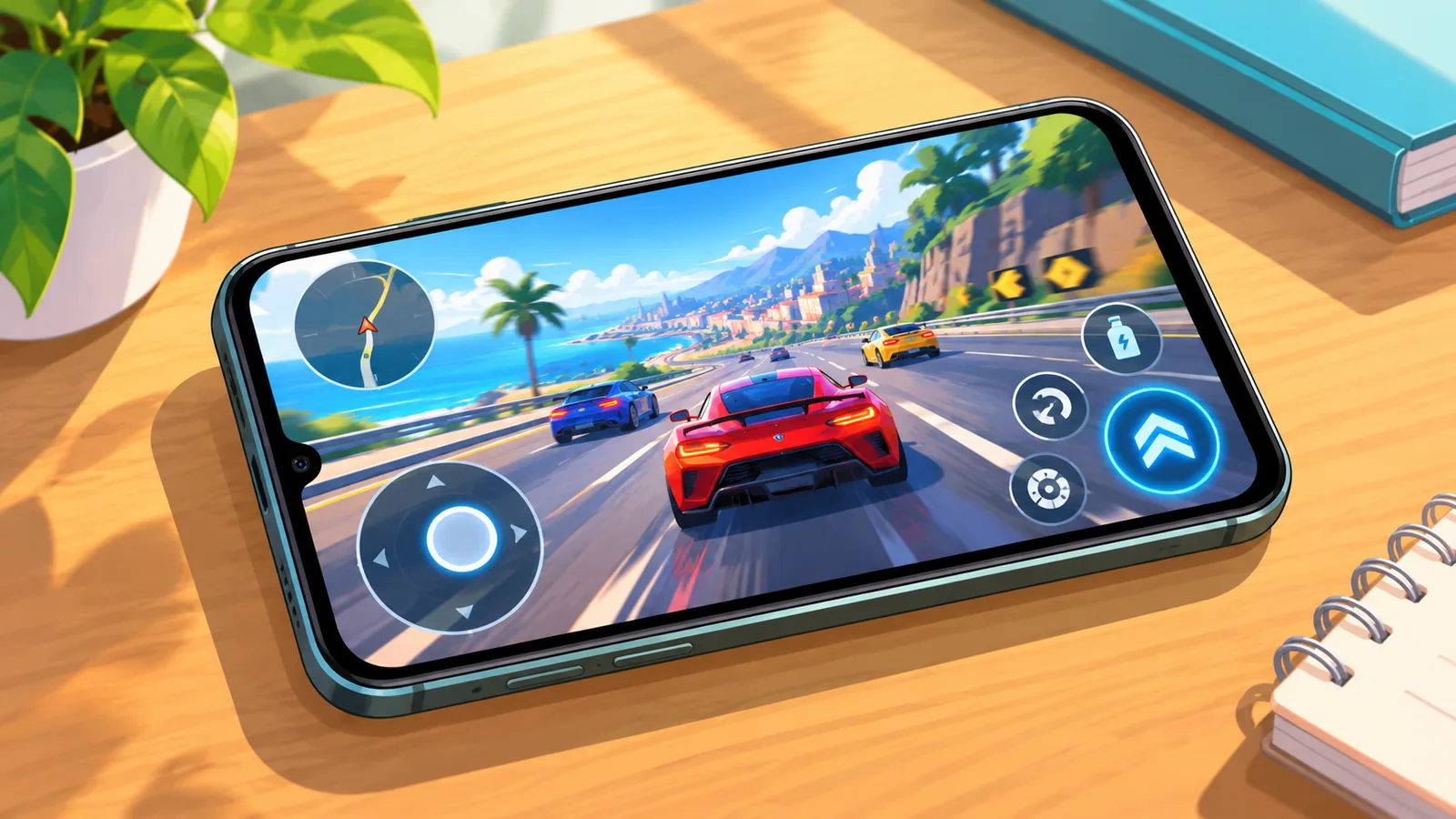
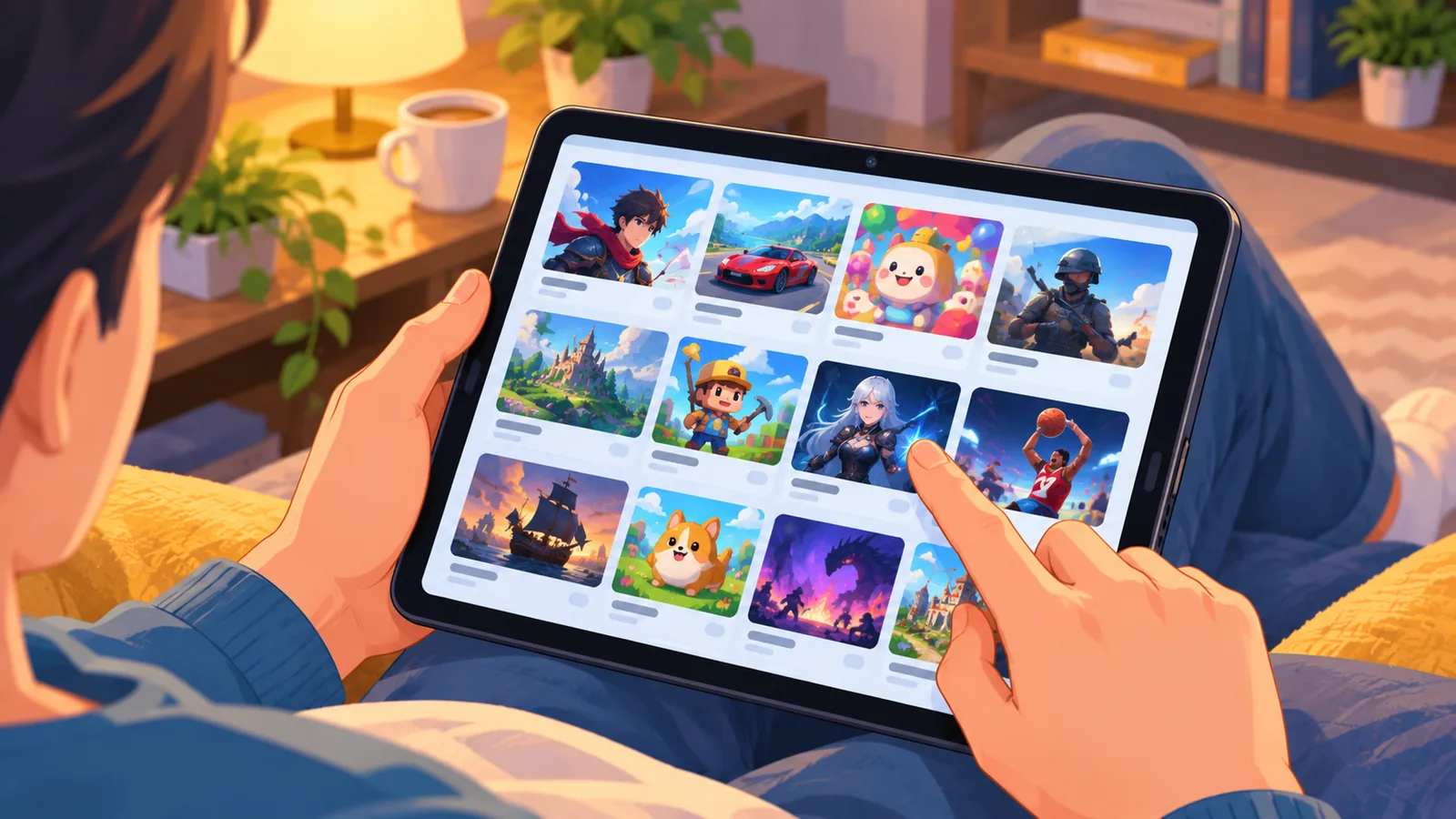
Yes, but only for select games that support touch controls. Xbox offers touch controls on some titles, so you can play those games without a controller.
Here’s the catch: Xbox’s own touch page states that touch support is limited to some games. It is not available across the whole library.
This guide walks you through what you need, how to launch a game, and how to check whether a specific title works with touch.
[[IMAGE_2]]
What You Need Before You Start
You need a supported Android device, an Xbox Game Pass subscription, and a decent connection. Here’s each requirement in plain terms.
What device and Android version do you need?
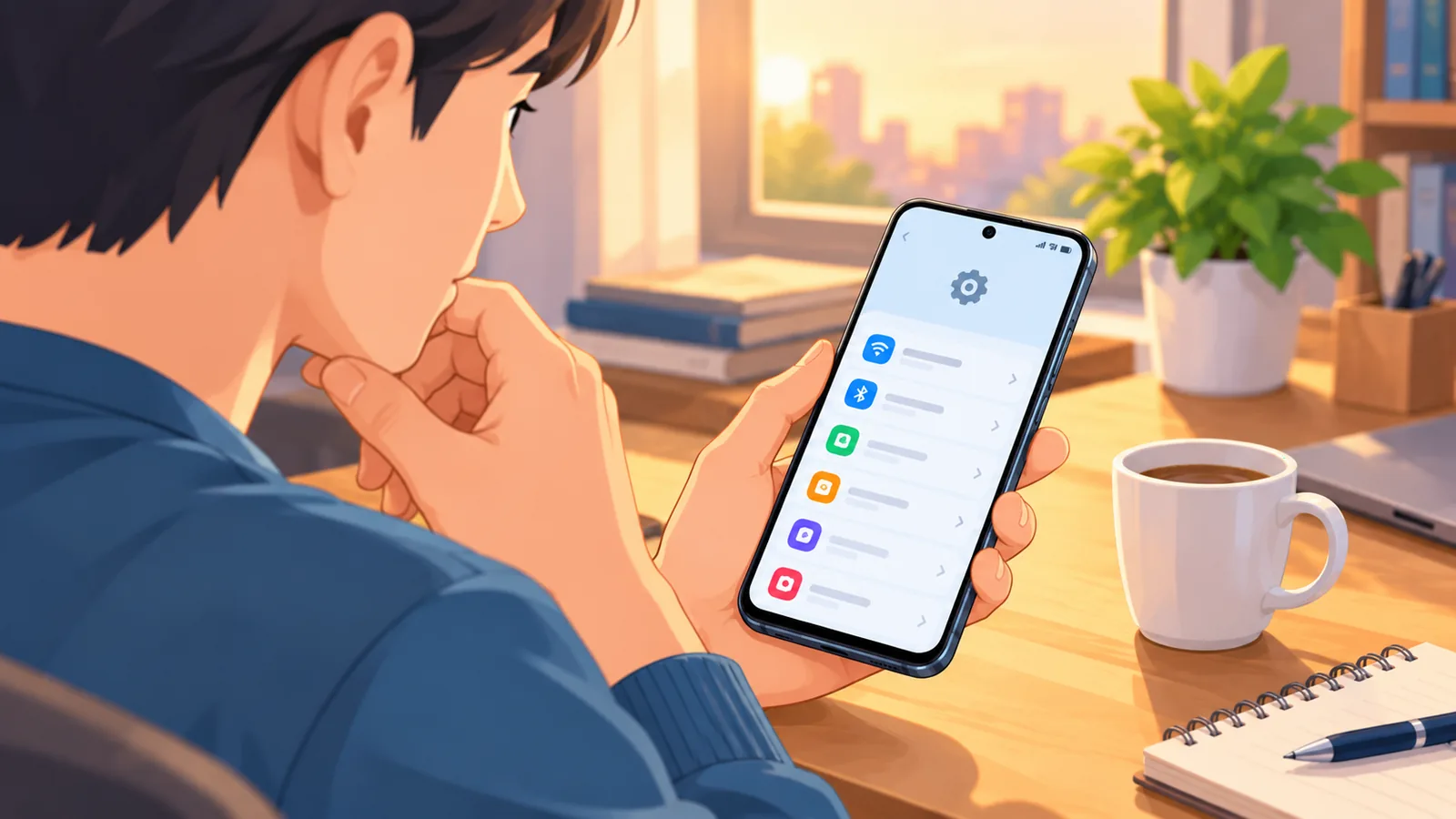
Xbox Cloud Gaming supports Android phones and tablets running Android 12 or later, as long as the device is supported. If your device is older, check for an update before anything else.
Do you need a subscription?
Yes. Xbox says cloud gaming requires an Xbox Game Pass subscription along with a supported device. Which games you can play may depend on your region, your Game Pass plan, and the platform.
What internet connection works best?
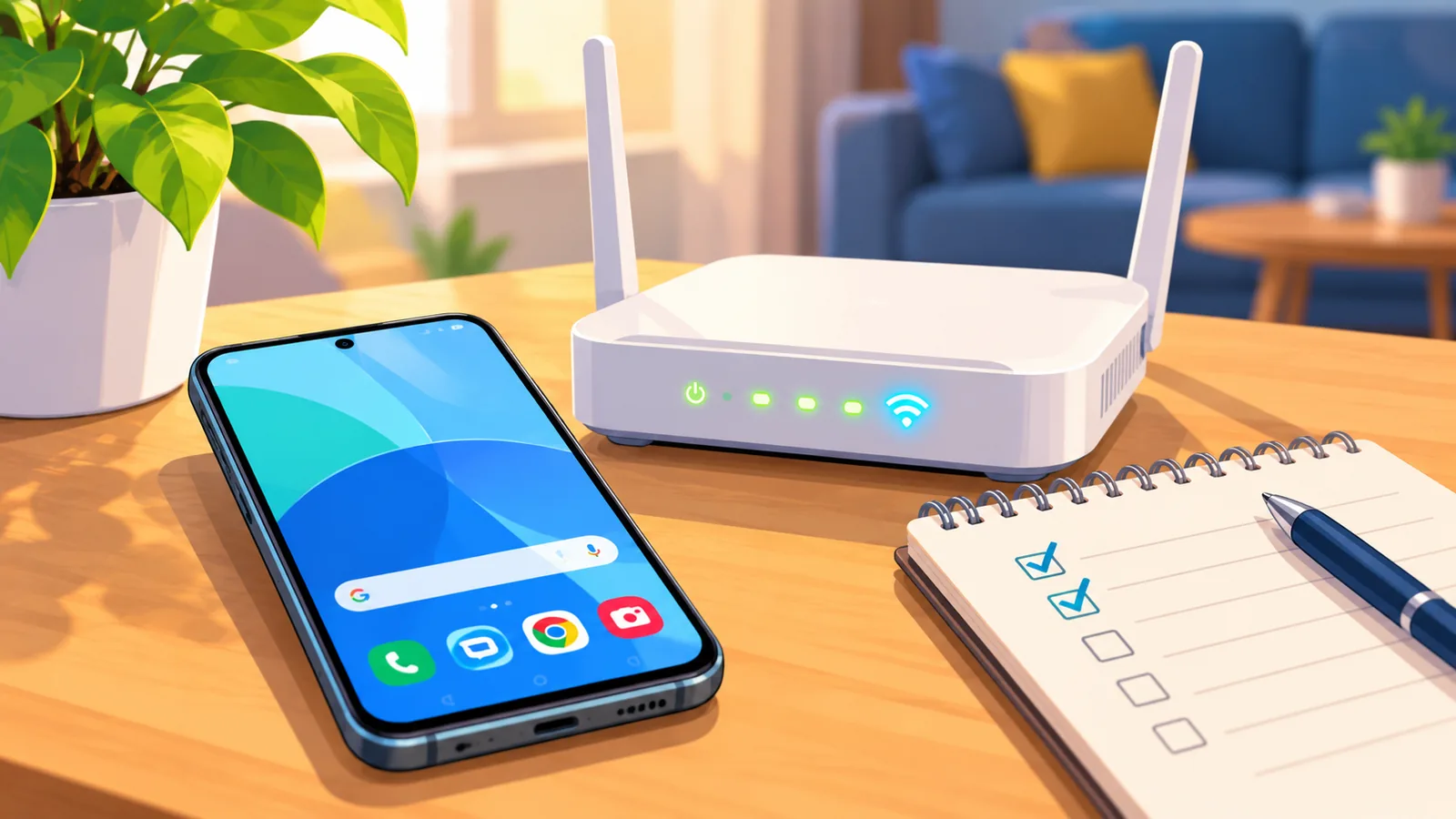
Xbox recommends 5GHz Wi-Fi for mobile cloud gaming. If you’re on mobile data, it recommends speeds of 20Mbps or faster.
- Android 12 or later on a supported phone or tablet
- An Xbox Game Pass subscription is required
- Touch controls work only on select games
- Recommended: 5GHz Wi-Fi, or mobile data at 20Mbps or faster
[[IMAGE_3]]
How to Launch Xbox Cloud Gaming on Your Android Phone
You launch it from a mobile browser at xbox.com/play. Xbox’s mobile guide describes this as the way to start cloud gaming on your phone.
- Open a mobile browser on your Android phone or tablet.
- Go to xbox.com/play.
- Sign in with the account tied to your Game Pass subscription.
- Browse the games available to you.
- Pick a game that supports touch and start playing.
One quick tip: check your connection before you launch. Switching to 5GHz Wi-Fi first is easier than troubleshooting mid-game.
[[IMAGE_4]]
How to Find Games With Touch Controls
Look for the “Play with touch” option or the touch icon on a game. That’s the signal Xbox’s mobile guide points to for touch-supported titles.
You can also browse Xbox’s official touch page and its all-games page to see what’s on offer. I can’t promise which specific games carry the touch icon at any given time, so it’s worth checking each title yourself.
Touch support varies by game. If you don’t see the touch option on a title, assume it won’t work without a controller.
[[IMAGE_5]]
Touch Controls vs. a Physical Controller
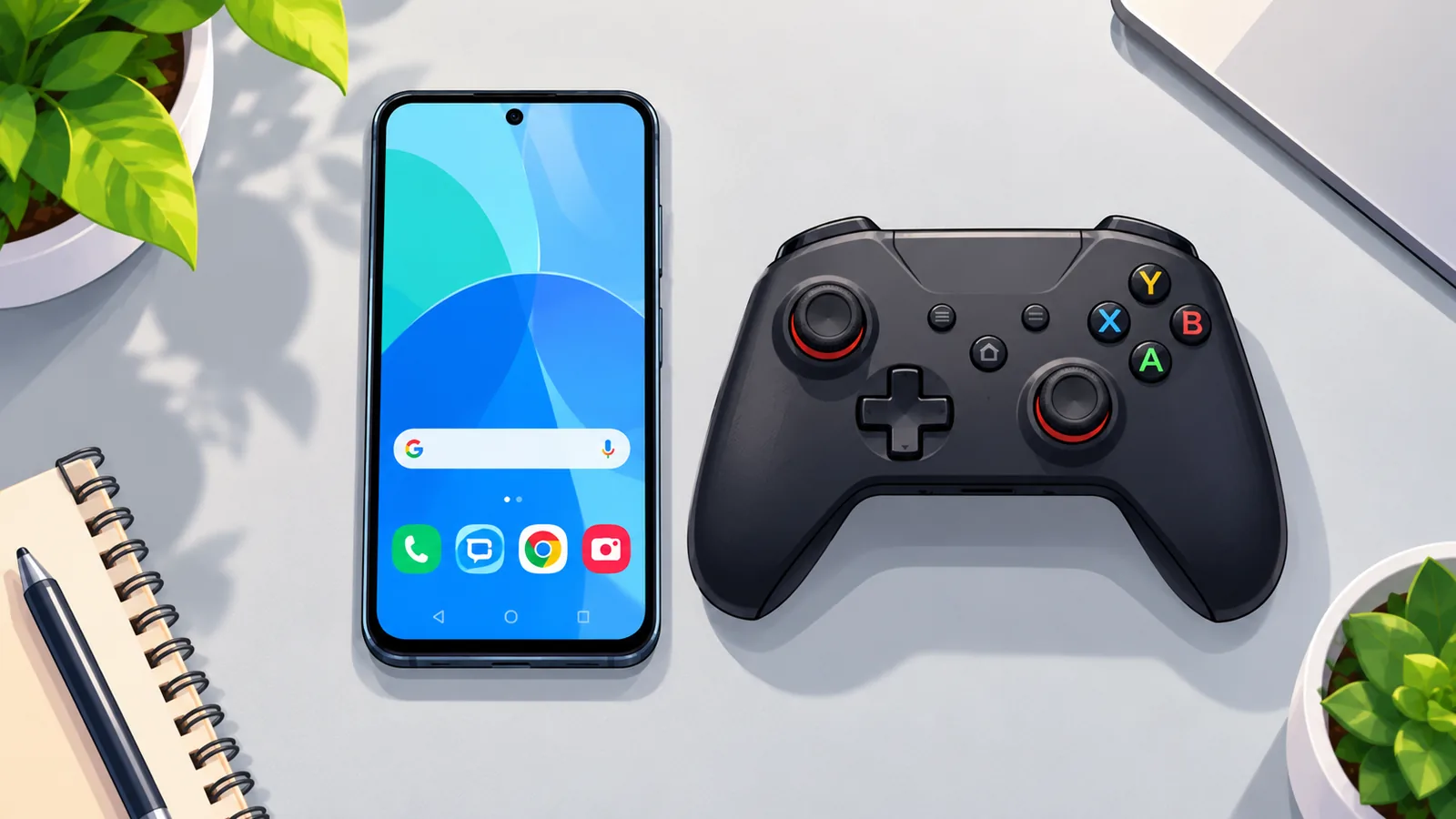
Touch controls win on convenience, while a controller wins on game availability. The table below sticks to what’s confirmed and flags the rest as general considerations.
| Factor | Touch controls | Physical controller |
|---|---|---|
| Game availability | Select games only | Not limited to touch-enabled titles |
| Device and plan needs | Same: supported device, Game Pass | Same: supported device, Game Pass |
| Extra gear | None, just your screen | A controller must be on hand |
| Good for (general view) | Quick sessions when you’re without a controller | Games with no touch option |
🛒 Recommended Product
The last row is a general consideration, not an Xbox claim. Try both on a game you like and see which feels better to you.
[[IMAGE_6]]
Why a Game Might Not Be Available or Playable
Availability can differ by region, Game Pass plan, and platform. A game you see online may not show up for you, and that’s normal.
Run through this quick checklist when something doesn’t work:
- Confirm your Game Pass plan covers the game
- Confirm the game is offered in your region
- Confirm the game supports touch controls
- Confirm your connection meets the recommended speeds
What if a game has no touch option?
Then it may need a controller. Check the game’s listing for the touch option, and if it isn’t there, pick another title for your no-controller session.

[[IMAGE_7]]
Tips for a Smoother Session on Mobile
Start with the connection, because that’s what Xbox itself recommends. Use 5GHz Wi-Fi when you can, or aim for 20Mbps or faster on mobile data.
A few general habits can also help, though these are common-sense tips rather than Xbox guidance. Close apps you aren’t using, and stay reasonably close to your router.
If a game feels off, check the basics first: your connection, your Android version, and whether the game really supports touch.
[[IMAGE_8]]
Frequently Asked Questions
Can I play any Xbox Cloud Gaming game with touch?
No. Touch controls are available only on select games.
Where do I launch Xbox Cloud Gaming?
Go to xbox.com/play in a mobile browser.
Do I need Game Pass?
Yes. Xbox says a Game Pass subscription and a supported device are required.
Which Android version do I need?
Android 12 or later on a supported phone or tablet.
What internet speed is recommended?
5GHz Wi-Fi, or mobile data at 20Mbps or faster.
[[IMAGE_9]]
Quick Recap and Your Next Step
In short, you can play without a controller on Android, but only on games that offer touch controls. You’ll need Android 12 or later, a Game Pass subscription, and a solid connection. Availability can still vary by region and plan.
Here’s one thing to do today: open xbox.com/play on your phone and look for the touch icon on a game you have access to.
[[IMAGE_10]]
Sources
[[IMAGE_11]]
Want more comparisons and buying guides?