
⚠️ This page connects you to Atovia’s partners and affiliate markets. We may receive a commission from affiliate partners for activities made through these links. Discount offers may change at any time according to policy! Rest assured, there are no additional costs to you! We hope this saves you time in finding the right items!
You submitted your voter card update, got a number at the end, and now you are wondering if anything has happened. This guide covers where to look on the Election Commission of India (ECI) portal, which number to use, and what the result does and does not tell you.
- Official Links to Use
- Why Check Your Voter Card Application Status?
- How to Check Status on the Voters’ Service Portal
- Understanding Your Reference ID
- Application Status vs. Electoral Roll Search
- Can You Track a Form 8 Correction?
- Getting Your e-EPIC After Approval
- What to Do If the Status Lookup Fails
- Quick Checklist Before You Check
- Frequently Asked Questions
Official Links to Use
Stick to the ECI’s own websites for anything tied to your voter record. The official portals list the status tracking feature, so there is no reason to enter your details on a third-party site.
- Citizen Service Portal: voters.eci.gov.in, which lists Track Application Status.
- NGSP dashboard page: voters.eci.gov.in/home/ngsp, which describes status tracking and electoral roll search.
- ECI Electors page: eci.gov.in/electors.
- How to Register to Vote: eci.gov.in/faq.
Check the address bar before you type anything. If the domain is not an official ECI one, close the page.
Why Check Your Voter Card Application Status?
Checking tells you whether your application is still moving or needs something from you. It is a quick way to confirm that the submission actually went through.
Here’s the catch: this is not a countdown clock. The ECI sources reviewed for this article give no confirmed processing time, so any number of days you see elsewhere should be treated with caution.

How to Check Status on the Voters’ Service Portal
Open the ECI Citizen Service Portal and look for the Track Application Status feature. The portal lists it, and ECI guidance describes it as the way to check registration and electoral roll update applications.
What do I need before I start?
Have the reference number you received when you submitted your application. Unofficial guides say this is what you enter to track the application.
What do the steps look like?
Based on those unofficial guides and an older 2018 article, the general sequence is below.
- Open voters.eci.gov.in in your browser.
- Find and select Track Application Status.
- Enter your Reference ID when asked.
- Read the status shown for your application.
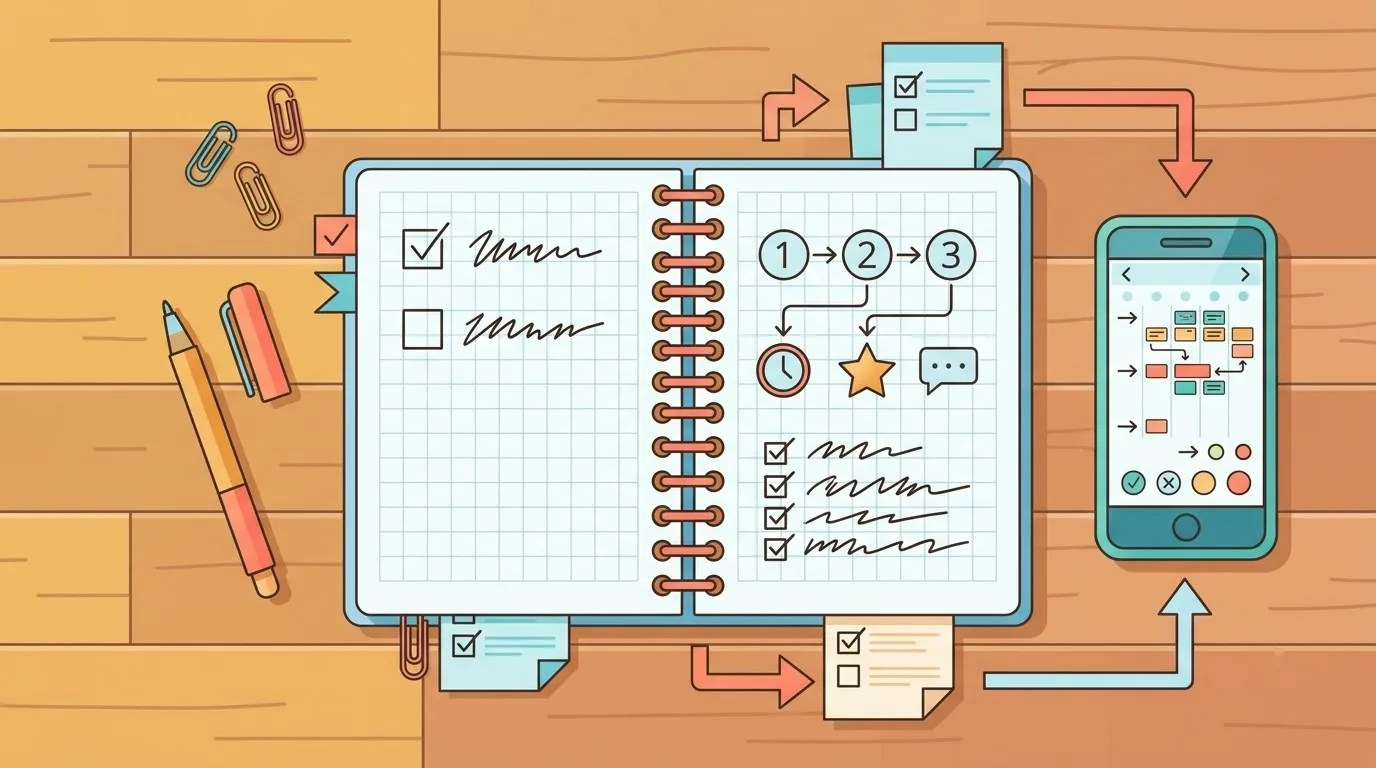
Screens may differ from this description. The official portal could not be opened during our research, so we could not confirm the exact screens or any sign-in steps. Follow the prompts on the live site.
Understanding Your Reference ID
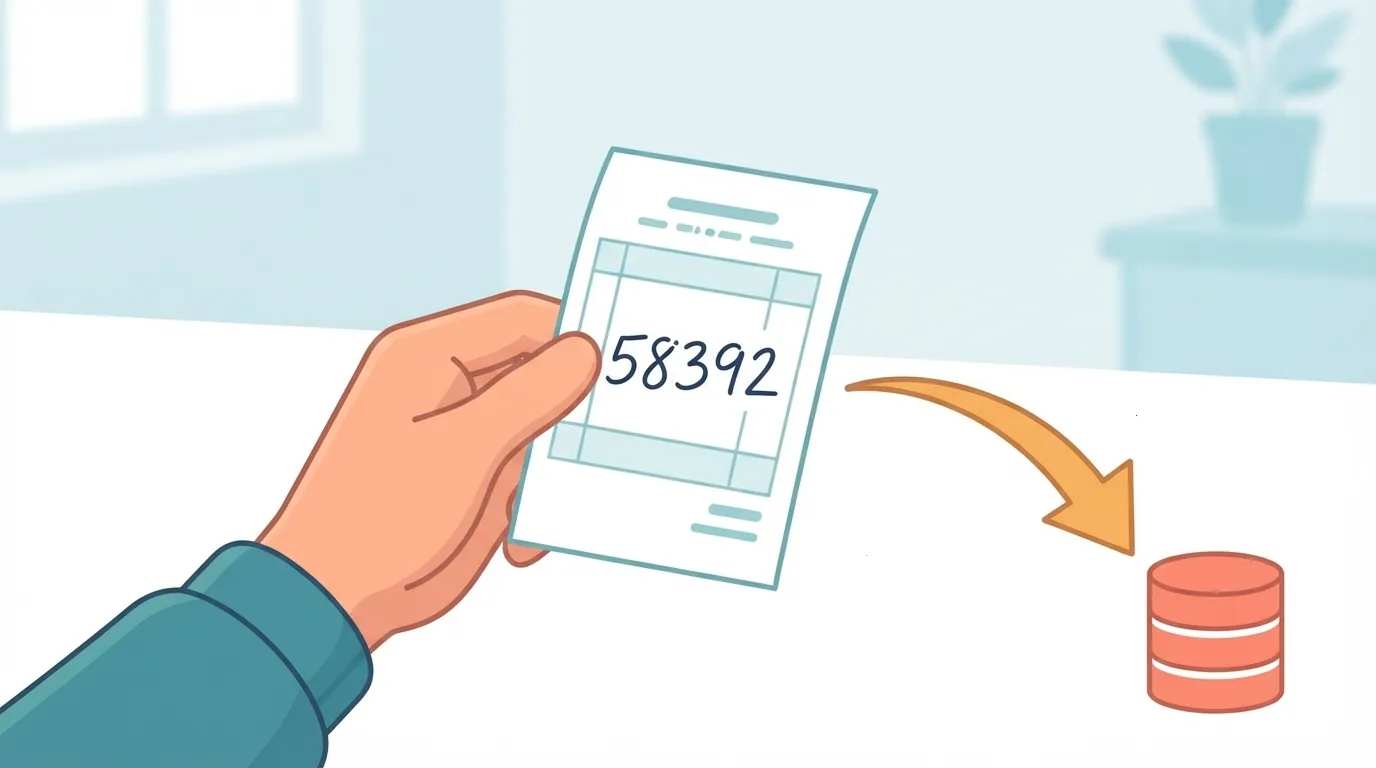
The Reference ID is the number you get when you submit an application, and unofficial guides say it is what you use to track that application. An unofficial 2026 guide describes it this way, and so does a 2018 Gadgets 360 article, which is older and may not match today’s portal.
Look for it on the confirmation screen or in any acknowledgement you received after submitting. Labels may vary, so you may see it called a Reference ID or an Acknowledgement Number.

Save it somewhere you can find it later. A screenshot or a note on your phone is enough.
Application Status vs. Electoral Roll Search
These are two separate checks. ECI guidance lists tracking an application and finding your name on the electoral roll as different functions.
| Attribute | Application status | Electoral roll search |
|---|---|---|
| What it checks | Where your request stands | Whether your name is on the roll |
| What you need | Your Reference ID | Details the official search asks for |
| When to use it | After submitting an application | When you want to confirm your listing |
So an approved status is not proof that you are on the roll or that a card has been delivered. Check each of those through its own official service.
🛒 Recommended Product
Can You Track a Form 8 Correction?
We could not confirm the exact steps for tracking a Form 8 correction. The ECI Electors page lists registration and roll-detail corrections as services, but the sources we reviewed do not show a Form 8 lookup screen.
If you filed a correction, open Track Application Status and try it with the reference number you received. If the portal does not accept it, use the help information on the official site.
Getting Your e-EPIC After Approval
The ECI portal lists a feature for getting an electronic EPIC. That is all our sources confirm, and we could not verify the eligibility rules or the exact steps.
Don’t treat approval as the same thing as having a card in hand. Look in the official portal for the e-EPIC feature, and check your roll listing separately.

What to Do If the Status Lookup Fails
Start with the simple fixes: re-check your Reference ID, then try again later. If that does not work, use the official help information.
- Compare the ID you typed with the one on your acknowledgement, character by character.
- Try again after some time in case the portal is busy.
- Confirm the address is an official ECI domain.
- Try a different browser or device.
- Use the help information on the official portal if the problem continues.
We have not listed any phone numbers or email addresses, because none were confirmed. Take contact details only from the official site.

Quick Checklist Before You Check
Have three things ready: your Reference ID, the official portal link, and a clear idea of which check you need.
- Use only the official ECI portal at voters.eci.gov.in.
- Unofficial guides say you track with a Reference ID, also called an Acknowledgement Number.
- Application status and electoral roll search are different checks.
- No confirmed processing time was found in the ECI sources reviewed.
Frequently Asked Questions
Where do I check my status?
On the ECI Citizen Service Portal, under Track Application Status.
What number do I need?
Unofficial guides say you need the Reference ID or Acknowledgement Number from your submission.
Is “approved” the same as being on the roll?
No. Roll search and application tracking are separate functions, so check your listing on its own.

Can I get an e-EPIC?
The portal lists an e-EPIC feature. We could not confirm the eligibility rules or steps, so check the portal.
How long does it take?
The ECI sources reviewed give no confirmed timeframe, so we do not give a figure.
Can I check by text message?
We could not confirm that option, so use the official portal.
In short, gather your Reference ID today and open the official portal to see where your application stands.
References
- Election Commission of India, Citizen Service Portal (official)
- Election Commission of India, NGSP Dashboard (official)
- India Customer Care, How to Check Voter ID Application Status Online: Reference ID Guide (unofficial guide, 2026)
- Gadgets 360, How to Check Voter ID Card Application Status Online (older article, 2018)
- Election Commission of India, Electors (official)
- Election Commission of India, How to Register to Vote (official)
Want more comparisons and buying guides?