⚠️ This page connects you to Atovia’s partners and affiliate markets. We may receive a commission from affiliate partners for activities made through these links. Discount offers may change at any time according to policy! Rest assured, there are no additional costs to you! We hope this saves you time in finding the right items!
Stuck choosing between a laptop and a tablet? Specs look similar, prices overlap, and vague “it depends” answers don’t help. For a confident purchase, start with your daily tasks, then validate performance, portability, and total cost.
Why “Laptop vs Tablet” Feels Hard Now
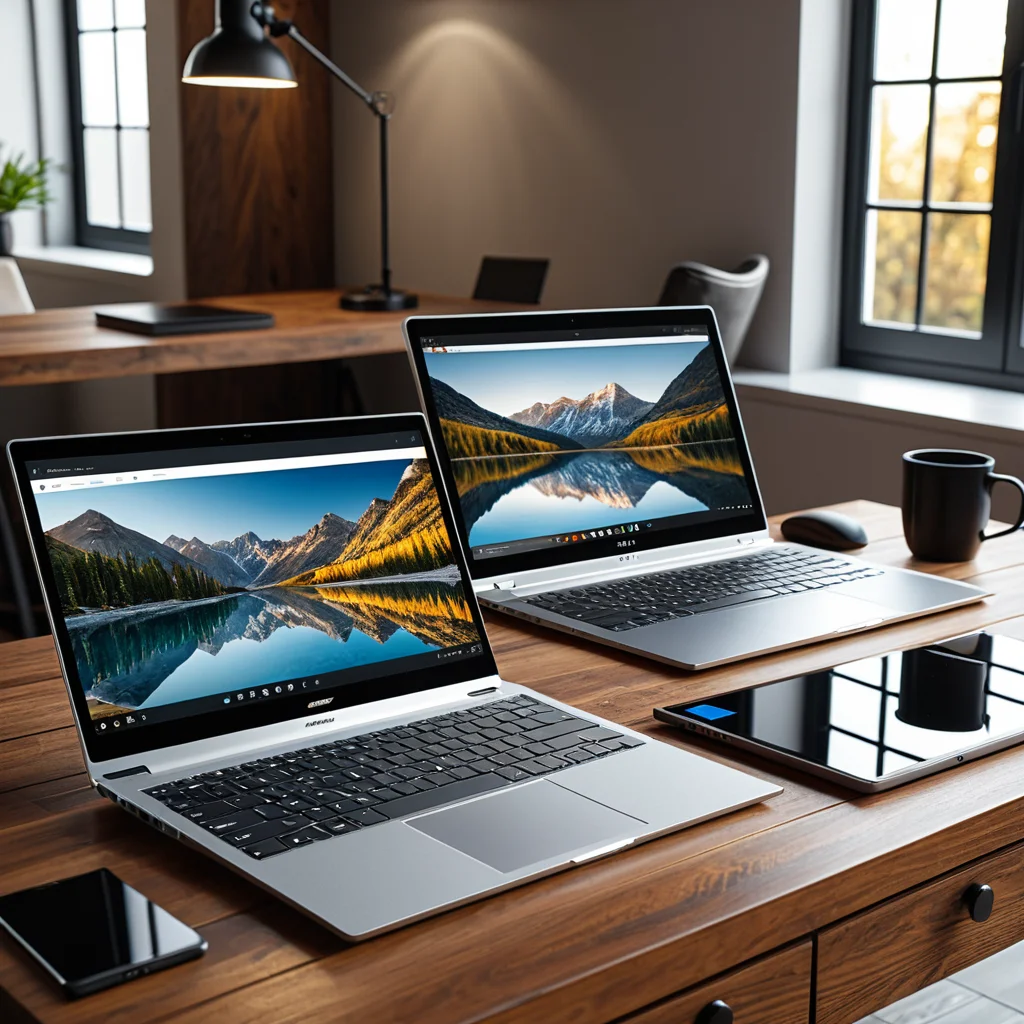
Modern tablets now offer powerful chips, improved keyboards, and desktop-style multitasking. Laptops have become thinner, longer-lasting, and more touch-friendly. This overlap leads to one key buying question: which device delivers better value for your exact workload?
Use this buyer’s mindset: choose the platform that reduces friction. The “best” device is the one that makes your core tasks faster, not the one with the flashiest specs.

Match the Device to Your Real Use Case
Work (documents, spreadsheets, email, meetings): Laptops usually win thanks to full desktop apps, better file handling, and reliable multitasking. If your work is browser-based and travel-heavy, a high-end tablet with a keyboard can work—until you hit large spreadsheets, complex workflows, or enterprise tools.
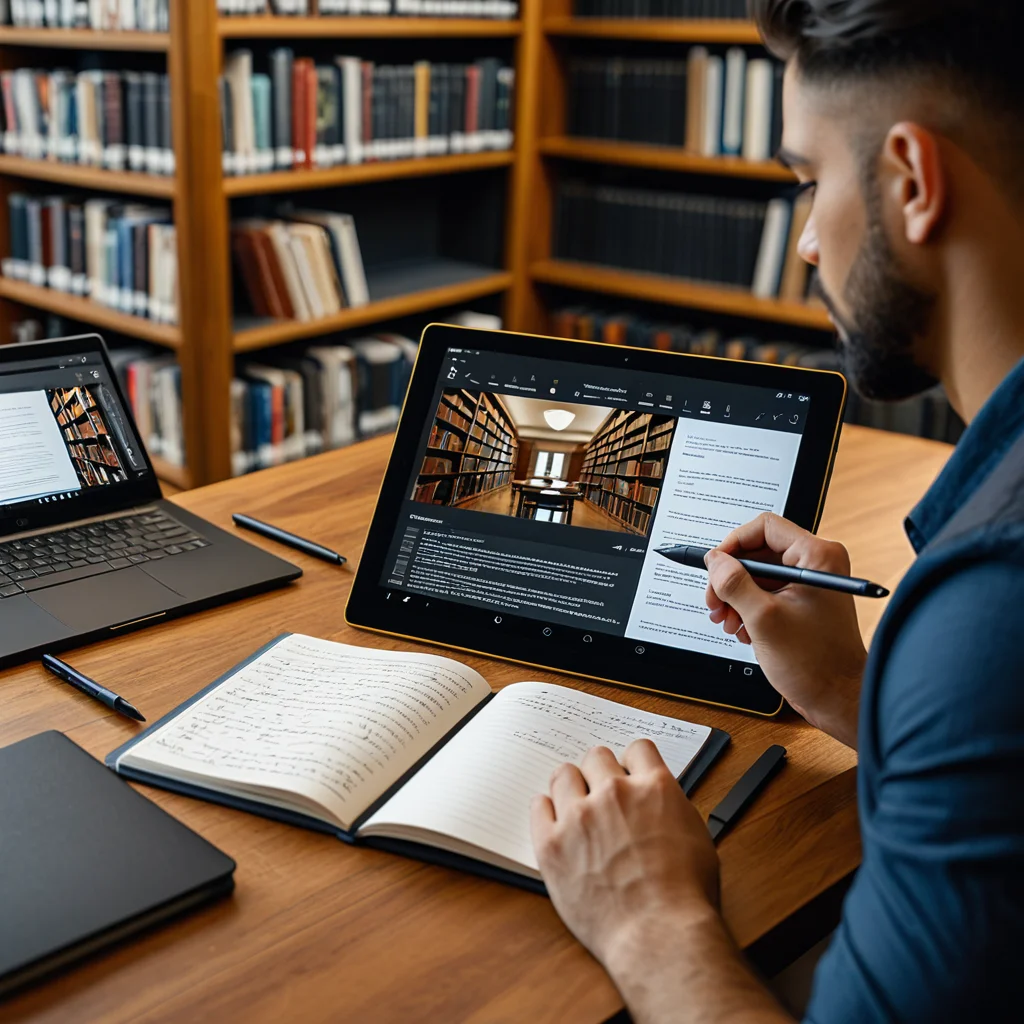
School (notes + assignments): Tablets excel at handwriting, reading, and annotation. However, if you write long papers, code, or run specialized software, a laptop remains the safer choice.
Creative work (design, drawing, editing): Tablets feel natural for sketching and markup with a stylus. For large files, advanced plugins, and long render times, laptops are generally more flexible.
Entertainment + light admin: Tablets are often the best grab-and-go option for reading, streaming, and casual gaming.
- If you must run desktop-only apps, choose a laptop first.
- If handwriting, reading, and portability matter most, tablets deliver more comfort per gram.
- If you type for hours, prioritize keyboard quality and screen ergonomics over thinness.
🛒 Recommended Product
Performance & OS: Where the Gap Still Matters
Performance is more than raw CPU speed. It’s about how the OS handles files, windows, external displays, and professional software. Laptops (Windows/macOS) typically offer broader app compatibility, deeper file access, and better support for peripherals and multi-monitor setups. Tablets (iPadOS/Android) can be extremely fast, but some workflows are intentionally simplified.
Check these filters before buying:
- App requirements: Do you need full Adobe suites, engineering tools, IDEs, or enterprise VPN/security clients?
- Multitasking style: Are split screens enough, or do you need many windows visible at once?
- Storage and files: Will you manage large local files, external drives, and complex folder structures?
Source: Microsoft, 2024
Source: Apple, 2024
Source: Google, 2024
Portability, Battery, and Accessories

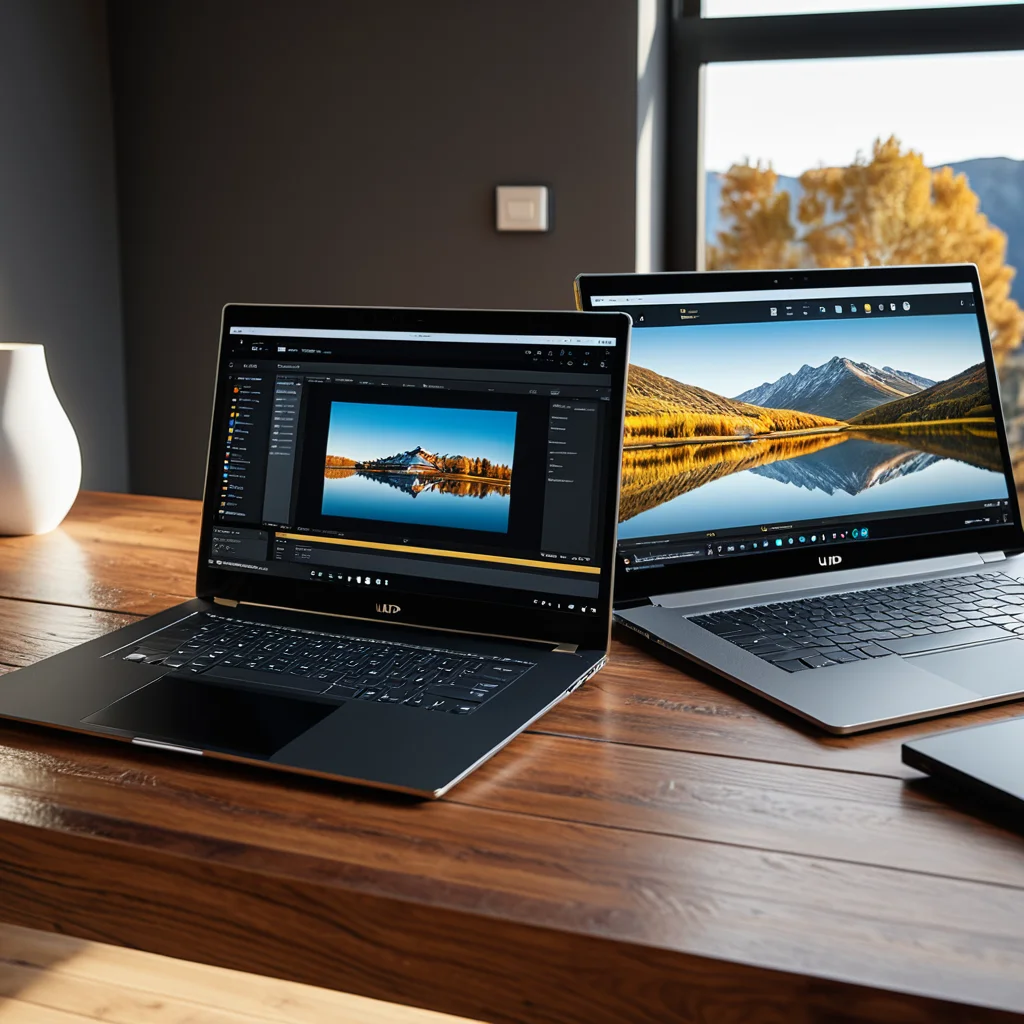
Tablets feel lighter in hand, but real carry weight depends on accessories. A keyboard case, stylus, and charger can narrow the gap. Laptops often need a USB-C hub for displays and legacy ports. Either way, plan your setup.
Battery: Tablets usually deliver consistent battery life in mixed use. Laptop battery life varies widely by CPU, screen brightness, and workload. Treat manufacturer claims as best-case scenarios and look for real-world mixed-use results.
Practical tip: If you commute daily, choose the device you’ll actually carry. A slightly less powerful device that’s always with you beats a powerful one left at home. Also, try typing on the keyboard before buying—comfort matters more than minor spec gains.
Price, Value, and the True Cost Over Time
Sticker price can be misleading. Tablets often require a keyboard and stylus. Laptops may need a hub, storage/RAM upgrades, and protection plans. The best value is the option that avoids upgrades or replacement later.
| Criteria | Laptop | Tablet |
|---|---|---|
| Productivity apps | Stronger compatibility, ideal for professional workflows | Excellent for light to mid-level tasks; limited for some pro tools |
| Typing comfort | Usually better with full keyboard and trackpad | Depends on keyboard case; may feel cramped |
| Portability | Portable but generally bulkier | Often best-in-class for carrying and quick use |
| Creative note-taking | Possible, but less natural without pen display | Excellent with stylus for notes, drawing, and markup |
| Total cost | Device + hub + upgrades | Device + keyboard + stylus |
Value shortcut: If you plan to use the device for 3+ years and rely on specialized software, a laptop often reduces risk. If your daily routine centers on reading, meetings, messaging, and handwriting, a tablet may deliver better value per dollar.
Conclusion: A Fast Decision Framework
The fastest way to decide: Choose a laptop if you need desktop apps, heavy multitasking, coding, or complex file management. Choose a tablet if handwriting, portability, reading, and quick sessions dominate your day. When unsure, list your top five weekly tasks and pick the device that completes them with fewer workarounds.
Final tip: Before buying, simulate your real workflow—open the same apps, connect the same accessories, and spend 20 minutes typing or taking notes. This simple test prevents most regrets.
Need more comparison and buying insights?