⚠️ This page connects you to Atovia’s partners and affiliate markets. We may receive a commission from affiliate partners for activities made through these links. Discount offers may change at any time according to policy! Rest assured, there are no additional costs to you! We hope this saves you time in finding the right items!
If you got married, went through a divorce, or legally changed your name, your voter record needs to match your current legal name. In India, this update is handled by the Election Commission of India (ECI) through the official Voters’ Service Portal at voters.eci.gov.in, using Form 8. This guide walks through the exact steps, the documents you need, and what to do if your application is delayed or rejected.
- Why You Need to Update Your Name on Your Election Card
- Common Reasons for a Name Change on Voter Records
- Documents You Will Need Before You Start
- Step-by-Step Process to Request a Name Change
- Online Application Method Explained
- In-Person or Paper Application Method Explained
- Processing Time and Status Tracking
- Required Documents Comparison Table
- Common Mistakes That Cause Delays or Rejections
- What to Do If Your Application Is Rejected
- Frequently Asked Questions
- Final Checklist Before You Submit
- Use Form 8 on voters.eci.gov.in to correct your name — Form 6 is only for new voter registration.
- You can apply online through the portal or offline at your local Electoral Registration Officer (ERO) office.
- Supporting proof of the name change (such as a marriage certificate, divorce decree, or gazette notification) is required along with an ID document.
- Save your reference/application ID immediately after submission so you can track your status.
- Mismatched names across your submitted documents are the single most common cause of rejection.
Why You Need to Update Your Name on Your Election Card
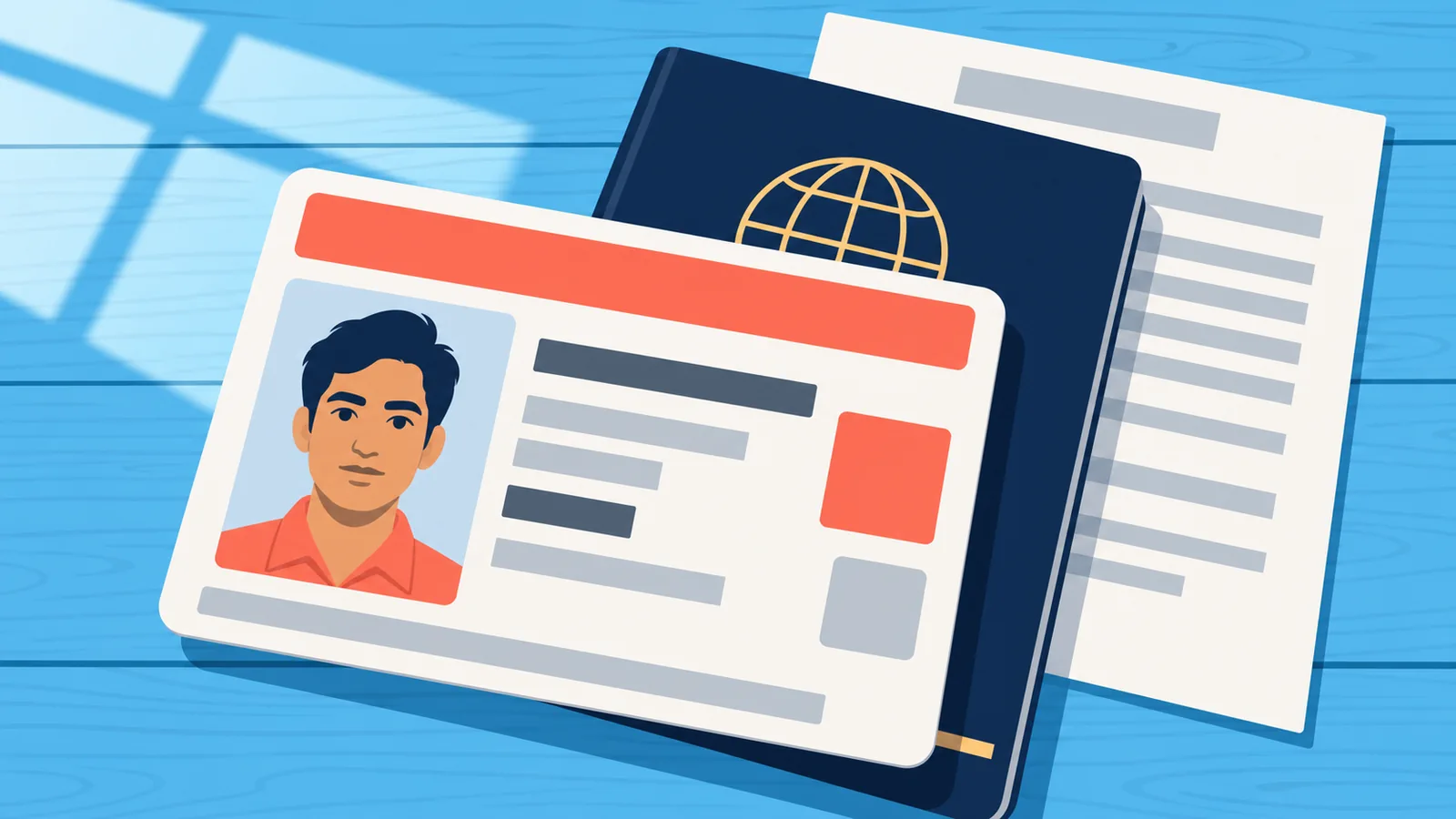
Your election card, officially called the Electors Photo Identity Card (EPIC), is a legal identity and voting document. If the name on it no longer matches your current legal name, it can cause problems verifying your identity at the polling booth, and it can create mismatches with other identity documents like Aadhaar or PAN that increasingly need to align. Updating it promptly avoids last-minute issues before an election and keeps your official records consistent.
Common Reasons for a Name Change on Voter Records
Most name correction requests fall into a few categories. Marriage is one of the most frequent triggers, especially when a person adopts a spouse’s surname. Divorce can also prompt a reversal back to a maiden or previous name. A formal legal name change through a gazette notification is another common reason. Finally, many applications are simply spelling corrections — a typo made during initial registration that needs to be fixed so the name matches other identity documents exactly.
Documents You Will Need Before You Start
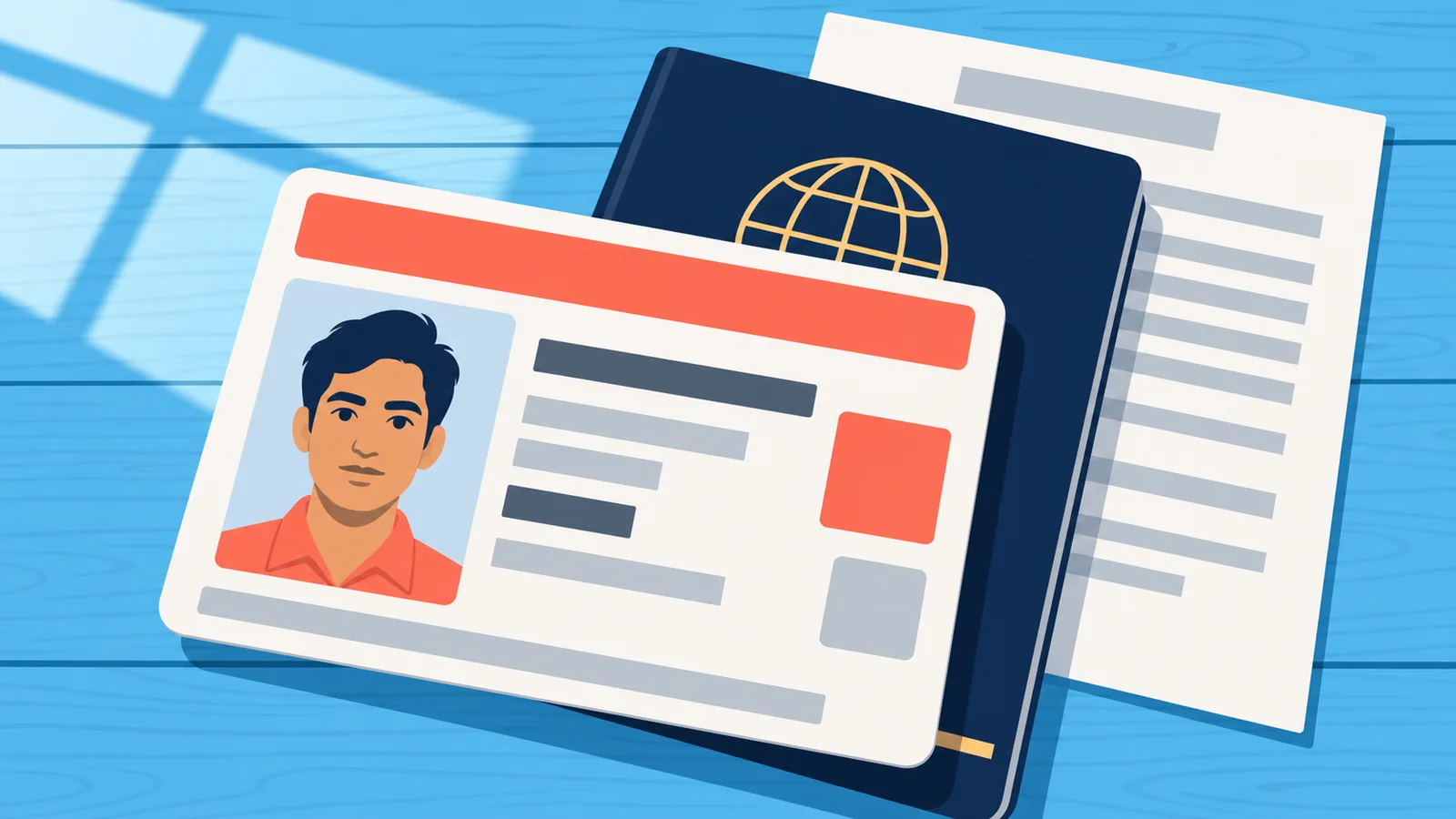
Before you begin the application, gather these documents so the process goes smoothly in one sitting:
- Your existing EPIC number (found on your current voter ID card)
- A valid proof of identity showing your corrected name, such as Aadhaar card or PAN card
- Proof of the name change itself: marriage certificate, divorce decree, or gazette notification, depending on your situation
- A recent passport-size photograph, if requested by the form
- Your registered mobile number or email address for OTP verification

Step-by-Step Process to Request a Name Change
The overall process is the same whether you apply online or offline; only the submission method differs. Here is the general sequence:

- Step 1: Log in to the Voters’ Service Portal or visit your local election office.
- Step 2: Select the option for correction of entries in the existing electoral roll.
- Step 3: Open Form 8 and confirm your EPIC number and current details.
- Step 4: Select “Name” as the specific field you want corrected.
- Step 5: Enter your correct name exactly as it appears on your supporting document.
- Step 6: Upload or attach your supporting proof documents.
- Step 7: Complete the declaration section and submit the form.
- Step 8: Save your reference number to track the application later.
Online Application Method Explained
To apply online, go to voters.eci.gov.in and log in using your registered mobile number, email, or EPIC number along with an OTP. Once logged in, click on “Fill Form 8” under the correction of entries section. Your state, district, and constituency details are usually auto-filled based on your existing record — check them for accuracy before proceeding. Click on the “Name” tab specifically, since this ensures the system only updates your name and not other fields. Type your corrected name, upload your supporting document as a clear scan or photo, complete the captcha and declaration, and click Submit. You will receive a reference ID on screen and often by SMS or email.

In-Person or Paper Application Method Explained
If you prefer not to apply online, or don’t have reliable internet access, you can submit a paper Form 8 at your local Electoral Registration Officer (ERO) office. Collect a physical copy of Form 8 from the office, or print one from the portal in advance to save time. Fill in your existing EPIC details, select the “Name” correction option, and attach photocopies of your supporting documents along with the originals for verification. A Booth Level Officer (BLO) at the office can help review your form before submission and can also assist with follow-up if you have questions about your application later. You will be given an acknowledgment slip with a reference number — keep this for tracking.

Processing Time and Status Tracking
Processing time can vary depending on your constituency’s workload and whether it’s close to an election period, so there isn’t one universal published turnaround time — it’s best to track your specific application rather than assume a fixed number of days. To check status, return to the portal, select “Track Application Status,” and enter your reference ID. Your application will typically show one of these stages: Under Review, Approved, or Dispatched. If you applied through the Voter Helpline App, you can track status and download your e-EPIC directly from the app once approved.
Required Documents Comparison Table
| Requirement | Online Application | In-Person Application |
|---|---|---|
| Where to apply | voters.eci.gov.in portal | Local ERO / election office |
| Form used | Form 8 (digital) | Form 8 (paper copy) |
| Identity proof | Uploaded scan/photo of Aadhaar or PAN | Original + photocopy of Aadhaar or PAN |
| Name-change proof | Uploaded scan of marriage certificate, divorce decree, or gazette notification | Original + photocopy of same document |
| Verification method | OTP via mobile/email | In-person review by BLO/ERO staff |
| Tracking | Reference ID via portal or app | Acknowledgment slip with reference number |

🛒 Recommended Product
Common Mistakes That Cause Delays or Rejections
Most delays come down to inconsistency rather than missing paperwork. Before submitting, watch for these common errors:

- The name entered on the form doesn’t exactly match the spelling on your supporting document
- Uploading a blurry or partially cropped scan of your ID or certificate
- Selecting the wrong correction category instead of specifically choosing “Name”
- Submitting a marriage certificate or gazette notification that hasn’t been signed or officially issued yet
- Using an EPIC number that doesn’t match the constituency shown in your existing record
What to Do If Your Application Is Rejected
If your application is rejected or returned for correction, the portal or acknowledgment will usually indicate a reason, most often a document mismatch. Start by comparing the name on your submitted proof against what you entered on the form — even small punctuation or spacing differences can trigger a rejection. Correct the discrepancy, gather a cleaner copy of your supporting document if needed, and resubmit Form 8. If the reason isn’t clear, contact your local BLO or ERO office directly, or use the Voter Helpline App’s support option, since they can see the specific note left by the reviewing officer.

Frequently Asked Questions
Which form do I use to change my name on my election card?
Use Form 8, the correction form for existing electoral roll entries. Form 6 is only for new voter registration.

Can I change my name without a marriage certificate?
Yes, if your name change comes from a different source, such as a gazette notification for a legal name change, you can submit that instead.
Do I need to visit an office in person, or can I do everything online?
Most applicants can complete the entire process online through voters.eci.gov.in, though visiting your local ERO office is available if you prefer in-person support.

How do I know if my application was approved?
Log back into the portal and use “Track Application Status” with your reference ID, or check through the Voter Helpline App.

Will I get a new physical card, or just an updated digital record?
This can vary by case, so check your application status page for specific instructions on whether a physical card or an e-EPIC download is provided.
What if I made a typo on the form after submitting it?
You will generally need to submit a fresh Form 8 with the corrected information, since edits typically cannot be made to an already-submitted application.

Final Checklist Before You Submit
- Confirm your EPIC number matches your existing voter record
- Double-check that your corrected name matches your supporting document exactly, including spelling
- Have a clear, legible copy of your name-change proof ready
- Verify your registered mobile number or email is active for OTP
- Save or write down your reference ID immediately after submitting
- Set a reminder to check your application status within a week
- Election Commission of India — Voters’ Service Portal (voters.eci.gov.in)
- National Voter Service Portal (NVSP) official information pages
- ClearTax — Voter ID Name Change guide
- BankBazaar — NVSP Form 8 guide
Want more comparisons and buying guides?