
⚠️ This page connects you to Atovia’s partners and affiliate markets. We may receive a commission from affiliate partners for activities made through these links. Discount offers may change at any time according to policy! Rest assured, there are no additional costs to you! We hope this saves you time in finding the right items!
Job seekers waste hours fighting clunky formatting and wondering if their resume will even pass an applicant tracking system before a human ever reads it. This guide compares the leading resume builders on templates, ATS compatibility, pricing, and ease of use, so you can pick the right one for your specific job search instead of guessing.
As an Amazon Associate I earn from qualifying purchases.
🛒 Recommended Product
- Why Your Resume Builder Choice Matters
- How We Evaluated Resume Builders
- Top Resume Builder Picks Overview
- Tool-by-Tool Breakdown
- Comparison Table
- Free vs. Paid Resume Builders
- How to Choose the Right Resume Builder for Your Situation
- Step-by-Step Selection Checklist
- Common Mistakes to Avoid When Building a Resume Online
- Frequently Asked Questions
- Final Verdict and Recommendation
- Most large employers use applicant tracking systems, so formatting choices can matter as much as content.
- Free plans usually let you build a resume, but many lock the actual download behind a paid trial.
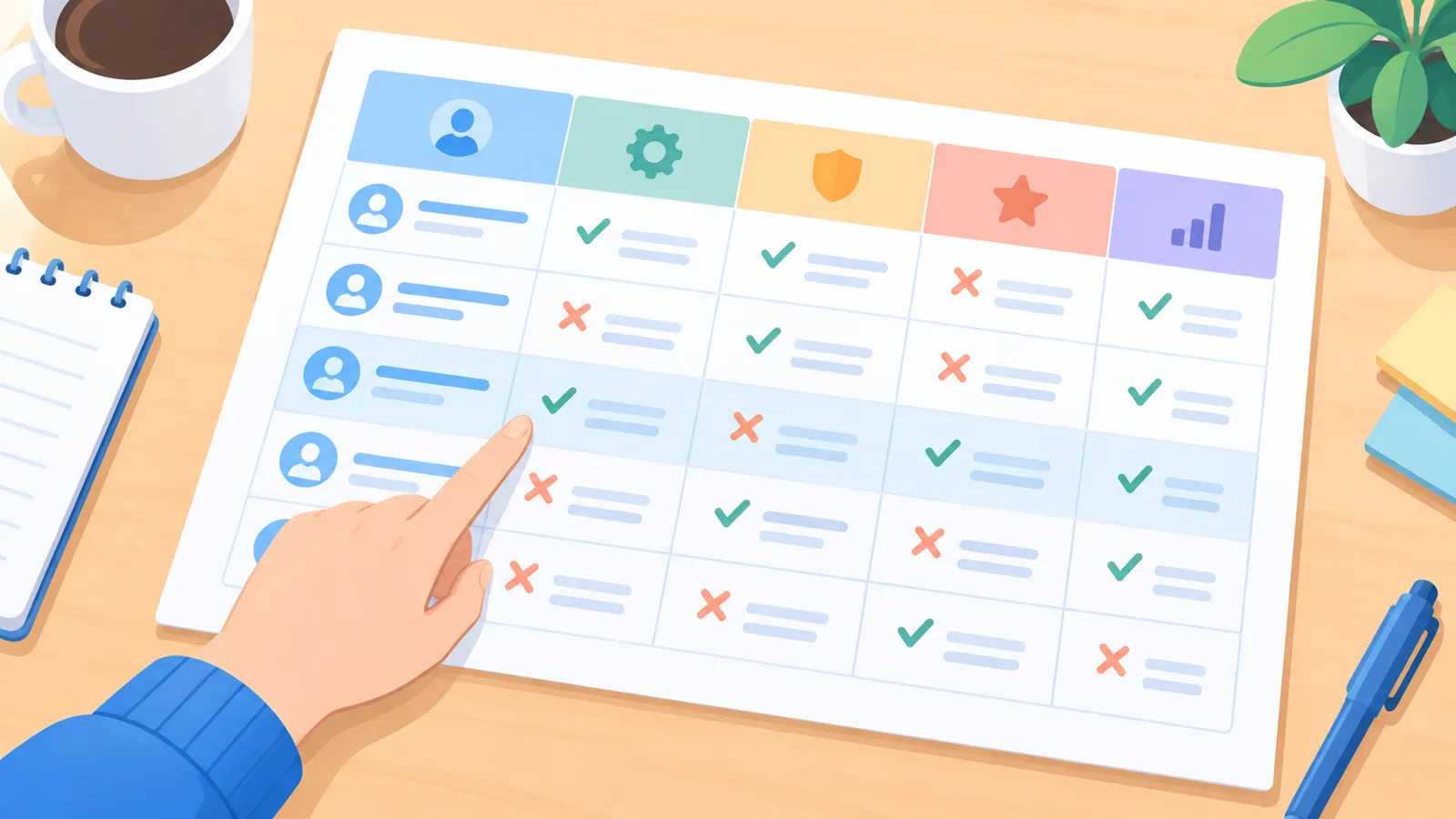
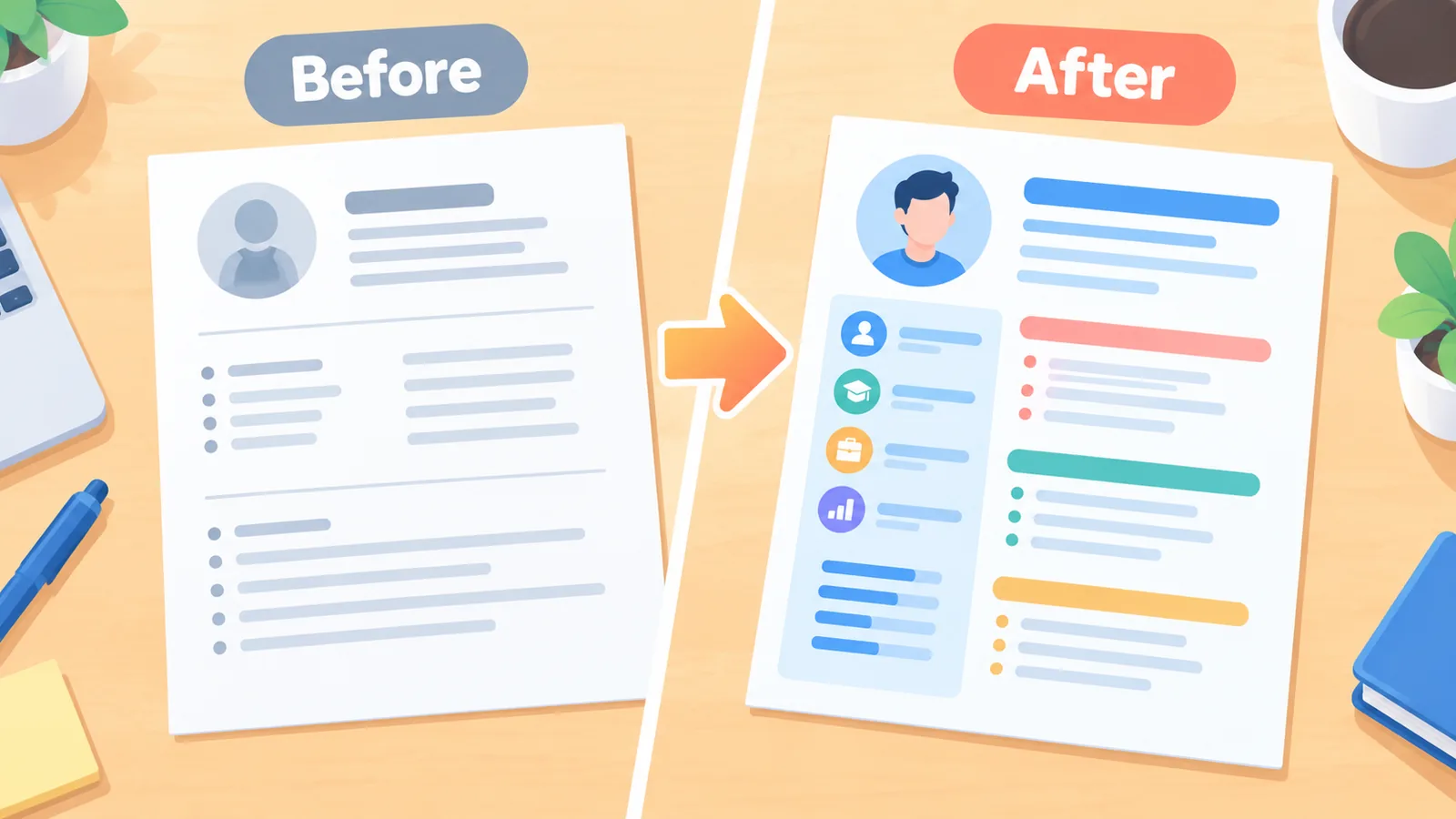
- Design-heavy templates can look impressive but may parse poorly in an ATS if they rely on columns, graphics, or icons.
- Pricing models vary widely, from a one-time low-cost download to recurring monthly subscriptions.
- The right builder depends on your industry, career stage, and whether you need ATS-safe formatting or visual differentiation.
Why Your Resume Builder Choice Matters
Most large employers screen applications with an applicant tracking system before a recruiter ever sees them, which means formatting choices can determine whether your resume is read at all. A resume builder can save significant time compared to formatting a document by hand, especially for anyone who is not comfortable with word processing software, but not every builder produces a file that survives automated screening. The right tool depends on who is using it: entry-level candidates often want guided content suggestions, career changers need flexible section ordering, executives usually want a clean and understated design, and freelancers or creatives may prioritize visual presentation over strict ATS optimization.
How We Evaluated Resume Builders
Each builder in this guide was compared against the same criteria: ATS compatibility of the templates, the number and variety of templates available, how much customization is allowed, whether pricing is disclosed clearly before signup, which file formats can be exported, and the overall ease of the editing experience. Pricing details below come from each company’s own pricing page or verified reviews current as of 2026; where sources disagreed on an exact figure, a range is given instead of a single number.
Top Resume Builder Picks Overview
- Best free option: Kickresume, for unlimited free downloads with real templates.
- Best for ATS optimization: Novoresume, for templates built with ATS parsing in mind.
- Best for creative and design-forward resumes: Canva, for the largest visual template library.
- Best for guided content and personal branding: Enhancv, for storytelling-focused sections and resume scoring.
- Best known name with broad template selection: Zety, for a large template library and bundled cover letter tool.
Tool-by-Tool Breakdown
Zety
Strengths: Large template library (18 or more designs), bundled cover letter builder, guided content suggestions for resume summaries and bullet points, and multiple export formats once on a paid plan.

Weaknesses: The free plan only exports in plain text format, and the paid plan is a 14-day trial for $1.95 that auto-renews into a recurring subscription billed every 4 weeks at $25.95 unless cancelled. An annual plan is available at $5.95 per month, billed as $71.40 upfront, which is considerably cheaper over a year.
Ideal user: Job seekers who want heavy content guidance and don’t mind a subscription model if they commit to the annual plan.
Pricing tier: Free (TXT export only); Pro trial $1.95 for 14 days then $25.95 every 4 weeks; Annual $5.95/month.

Standout feature: Matching cover letter builder included in the same workflow.
Kickresume
Strengths: A genuinely free plan that allows unlimited resumes and downloads using free templates, more than 40 templates with several labeled as ATS-friendly, and a free six-month Premium period for students.
Weaknesses: The most polished premium templates and advanced customization sit behind the paid tier, and the monthly plan at $24 is priced higher than some competitors if paid month-to-month rather than annually.
Ideal user: Budget-conscious job seekers and students who want a real free download option rather than a locked paywall.

Pricing tier: Free (unlimited downloads on free templates); Premium $24/month, $18/month quarterly, or $8/month billed annually at $96/year.
Standout feature: One workspace covering resume, cover letter, and an online career profile page.
Enhancv
Strengths: Strong emphasis on personal branding and storytelling sections, real-time content suggestions, and a resume scoring feature that flags weak areas.

Weaknesses: The free plan only lasts 7 days after registration and includes visible branding on the document. Several templates use two-column or graphic-heavy layouts that can be harder for an ATS to parse correctly, so extra care is needed when choosing a template for applications going through automated screening. Reported pricing varies by billing term, generally in the range of roughly $13 to $20 per month depending on the plan length.
Ideal user: Candidates in design, marketing, or other less ATS-strict fields who want a visually distinctive resume with guided writing support.
Pricing tier: Free for 7 days with branding; paid plans approximately $13–$20/month depending on billing term.
Standout feature: Built-in resume scoring and personal branding-focused templates.
Novoresume
Strengths: Templates designed with ATS parsing as a priority, a clean and modern aesthetic, and a free tier that lets you build and preview a resume before paying.
🛒 Recommended Product
Weaknesses: The free tier is limited to a single one-page resume with predefined layouts, and multi-page resumes or matching cover letters require the paid plan, which runs in the range of roughly $20–$22 per month depending on the source and current promotions.
Ideal user: Job seekers applying to larger companies or corporate roles where ATS parsing accuracy is the top priority.
Pricing tier: Free (single one-page resume); paid plan approximately $20–$22/month.
Standout feature: Templates built specifically to balance visual design with ATS readability.
Canva
Strengths: By far the largest template library of any option here, with thousands of designs, full drag-and-drop customization, and a genuinely free plan that includes enough features to complete a resume without paying.
Weaknesses: Most Canva resume templates were not built with ATS parsing in mind, and downloading in Word format is not available, only PDF and image formats in most cases. Heavy graphic elements can cause parsing errors in stricter ATS systems.
Ideal user: Creative professionals, students, or anyone applying directly to a hiring manager rather than through an automated screening system.
Pricing tier: Free for most templates and features; Canva Pro adds more templates and brand tools but is a general design subscription, not resume-specific.
Standout feature: Unmatched visual customization and template variety.
Comparison Table
| Resume Builder | Starting Price | Free Download Available | ATS Optimization | Template Count | Standout Feature |
|---|---|---|---|---|---|
| Zety | $5.95/mo (annual) to $25.95/4 weeks | Free plan is TXT only | Moderate | 18+ | Bundled cover letter builder |
| Kickresume | Free, or $8–$24/mo paid | Yes, unlimited | Good (labeled templates) | 40+ | Free unlimited downloads |
| Enhancv | ~$13–$20/mo | 7-day free trial only | Varies by template | 14+ | Resume scoring and branding focus |
| Novoresume | ~$20–$22/mo | Yes, one page only | Strong | 12–16 | ATS-focused template design |
| Canva | Free (Pro optional) | Yes | Weak | Thousands | Largest design library |
Free vs. Paid Resume Builders
Free tiers across these tools typically include access to at least one template, a basic editor, and some form of content guidance, but they differ sharply in what they withhold. Some, like Kickresume, allow a genuinely free full download. Others, like Zety and Enhancv, let you build a complete resume for free but restrict either the export format or the length of free access before requiring payment. Canva’s free plan is generous on design but weak on ATS safety. Upgrading is generally worth it when you need a properly formatted PDF or Word export, multiple resume versions for different roles, or templates verified for ATS parsing, since these are the features most commonly locked behind a paid tier.
How to Choose the Right Resume Builder for Your Situation
- Entry-level candidates: Prioritize builders with strong content guidance and free download access, such as Kickresume.
- Executives: Choose a clean, ATS-safe layout over a heavily designed one, such as Novoresume or Zety’s more traditional templates.
- Career changers: Look for flexible section reordering and skills-based formatting support, which builders with strong content suggestions handle well.
- Creative industries: Canva or Enhancv offer more visual freedom, but confirm the target employer does not rely heavily on ATS screening first.
- Remote or international roles: Confirm export formats and check whether the builder supports formatting conventions used outside your home country before committing to a paid plan.
Step-by-Step Selection Checklist
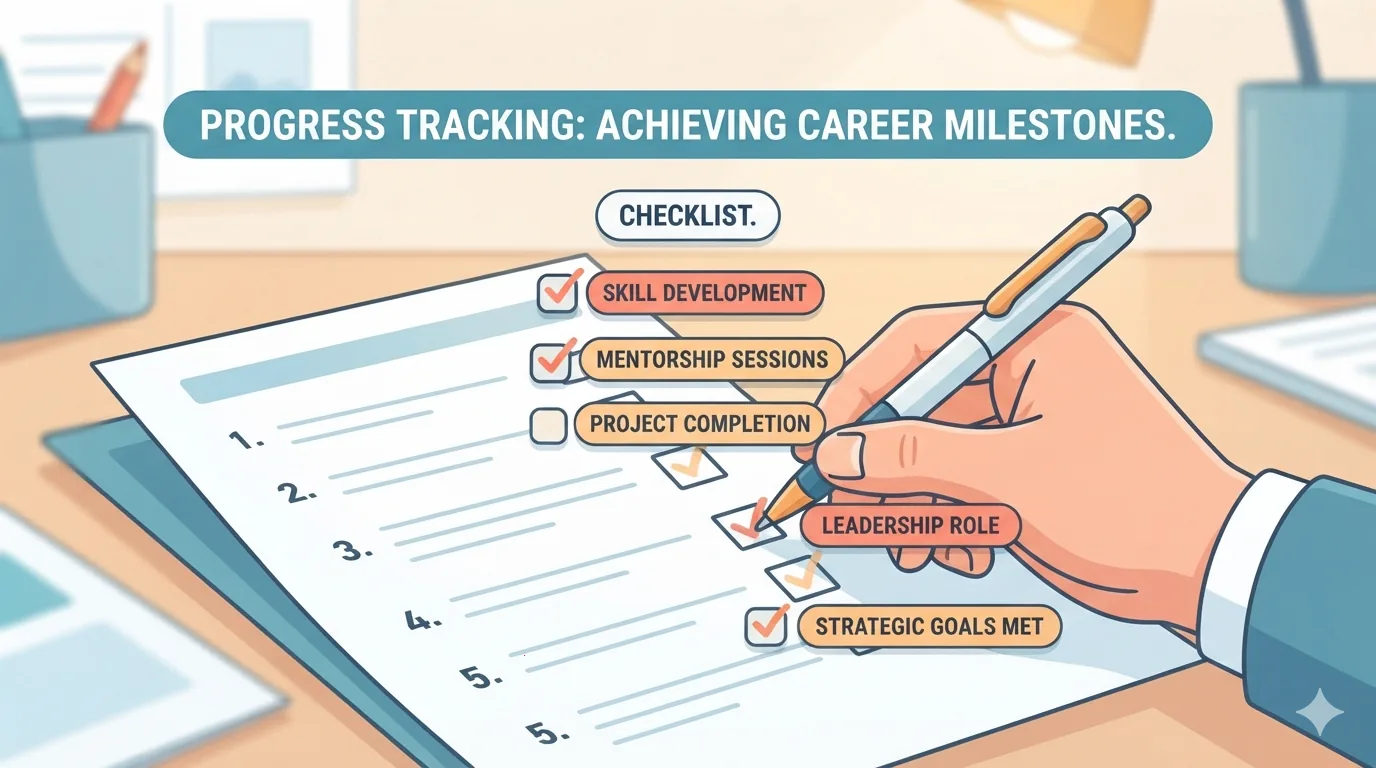
- Confirm whether the free plan allows a full download or only a preview.
- Check if the templates you like are explicitly labeled ATS-friendly, or research if they use single-column layouts.
- Read the exact pricing terms, including trial length and auto-renewal rate, before entering payment details.
- Verify which file formats are supported for export, particularly PDF and Word.
- Test the editor with your own resume content before upgrading to confirm the customization options fit your needs.
- Compare the annual versus monthly pricing if you plan to use the tool for more than a few weeks.
Common Mistakes to Avoid When Building a Resume Online
- Choosing a heavily designed template for an application that will go through an ATS, causing content to be misread or dropped.
- Ignoring ATS compatibility entirely because a template “looks professional.”
- Relying on generic, prefilled content suggestions without tailoring them to the specific job description.
- Skipping proofreading because the builder’s spellcheck or AI suggestions feel like enough on their own.
- Starting a paid trial without noting the exact auto-renewal date and rate.
Frequently Asked Questions
Are resume builders free? Most offer a free plan, but the free tier’s usefulness varies widely, from a fully unlimited download to a preview-only experience that requires payment to export the file.
Are resume builders ATS-friendly? Not universally. Builders that emphasize single-column, text-based templates tend to parse more reliably than those built around heavy graphics or multi-column layouts.
Do employers dislike template-based resumes? Most employers care more about clear, relevant content than the specific tool used, but overly decorative templates can hurt readability for both ATS software and human reviewers.
Which resume builder is best for beginners? Tools with strong guided content suggestions and a genuinely free download, such as Kickresume, tend to be the easiest starting point.

Can I export to PDF and Word? Most paid plans support both formats, but some free tiers restrict exports to plain text only, and Canva in particular does not support Word export in most cases.
How is international or remote-role formatting different? Some countries expect additional fields, such as a photo or different date formats, so confirm the builder supports the conventions used in the region you are applying to before finalizing a resume.
Final Verdict and Recommendation
For most job seekers who want a reliable free download without hidden paywalls, Kickresume is the strongest overall pick thanks to its unlimited free plan and wide template selection. For applicants prioritizing ATS accuracy above all else, Novoresume is the stronger runner-up. Creative professionals who are confident their target employers do not rely on automated screening may prefer Canva for its unmatched design flexibility.
- Zety official pricing page
- Kickresume help center pricing comparison
- Enhancv official pricing and reviews page
- Novoresume comparison page
- Betterteam and Resume Genius Canva reviews
Want more comparisons and buying guides?