
⚠️ This page connects you to Atovia’s partners and affiliate markets. We may receive a commission from affiliate partners for activities made through these links. Discount offers may change at any time according to policy! Rest assured, there are no additional costs to you! We hope this saves you time in finding the right items!
Mac gaming has changed more in the last few years than in the two decades before it. Apple Silicon, Metal 3, and a new wave of native AAA ports mean a MacBook or Mac mini can now handle games that once required a dedicated gaming PC. This guide breaks down the best games to play on Mac right now, organized by genre and hardware, so you can find picks that actually run well on your machine before you buy.
As an Amazon Associate I earn from qualifying purchases.
🛒 Recommended Product
- Why Mac Gaming Has Gotten Better
- Best AAA and Big-Budget Games on Mac
- Best Indie Games on Mac
- Best Free-to-Play Games on Mac
- Best Games via Cloud Gaming and Streaming on Mac
- Comparison Table: Genre, Platform Source, Mac Compatibility, Price
- Where to Buy or Download Mac Games
- Pre-Purchase Checklist for Mac Gamers
- Use Cases: Which Games Fit Which Type of Player
- Frequently Asked Questions
- Apple Silicon (M1 or later) compatibility matters more than any other spec when choosing a Mac game.
- Mixing AAA, indie, and free-to-play picks gives you the broadest library without overspending.
- Check whether a game runs natively on Apple Silicon or through a translation layer, since native titles perform noticeably better.
- Cloud gaming services can expand your library significantly without requiring high-end local hardware.
Why Mac Gaming Has Gotten Better
For years, Mac gaming meant a short list of casual titles and long waits for ports that never quite matched the PC or console versions. That changed with Apple Silicon. The M-series chips pair a capable GPU with Metal 3, Apple’s graphics framework, and MetalFX upscaling, which renders games at a lower internal resolution and upscales the image for better performance without a heavy visual penalty. Apple’s Game Porting Toolkit also made it far easier for studios to bring existing Windows titles to macOS without rebuilding the engine from scratch, which is a major reason more AAA games have arrived natively in the last couple of years.
Before buying any game, check two things: whether your Mac uses Apple Silicon or an older Intel chip, and whether the game you want runs natively on Apple Silicon or relies on a translation layer such as CrossOver or Whisky. Native Apple Silicon titles consistently perform better and feel more responsive than translated ones, and some demanding games may not run acceptably on Intel Macs at all. If you are on an older Intel Mac, lean toward indie titles, older AAA games, and cloud gaming rather than the newest native releases.
Best AAA and Big-Budget Games on Mac
The AAA lineup on Mac has grown to include several genuinely current, graphically demanding titles that run natively on Apple Silicon. These are the games worth checking first if you want your Mac to show off what it can do.

- Cyberpunk 2077 – An open-world RPG with native Apple Silicon support and Metal 3 optimizations, a strong pick if you want a benchmark-quality showcase title.
- Resident Evil 4 and Resident Evil Village – Native survival-horror titles that run well on Apple Silicon and are a good test of a Mac’s real-time lighting performance.
- Death Stranding Director’s Cut – A native, story-driven open-world game that has long been considered one of the best-optimized Mac ports.
- Assassin’s Creed Shadows – A recent large-scale open-world action title with native Apple Silicon support.
- Control and Lies of P – Both run natively and represent the action and action-RPG genres well on current Macs.
- Baldur’s Gate 3 – A large-scale, native RPG that works well even on mid-range Apple Silicon Macs due to its more moderate hardware demands relative to its scope.

Selection criteria: each title above was chosen because it ships with native Apple Silicon support rather than relying solely on a translation layer, which is the single biggest factor in whether an AAA game feels smooth on a Mac.
Best Indie Games on Mac
Indie titles have historically been the backbone of the Mac gaming library, and that has not changed even as AAA support has improved. These games tend to run well across a wider range of Mac hardware, including older Intel machines.

- Hades – A fast-paced roguelike that runs smoothly on both Apple Silicon and older Macs, with controller support.
- Hollow Knight: Silksong – A demanding but well-optimized action-platformer with full controller support, ideal for players who want precision gameplay without needing top-tier hardware.
- Story-driven puzzle and narrative titles remain a strong fit for Mac, since their lower graphical demands make them accessible on almost any modern Mac, Apple Silicon or Intel.
Selection criteria: indie picks were chosen for a combination of low hardware requirements, confirmed controller support, and consistent performance across chip generations, making them safe choices regardless of which Mac you own.

Best Free-to-Play Games on Mac
Free-to-play titles are a low-risk way to test how well your Mac handles gaming before spending money on AAA purchases. Availability and specific titles shift often, so check the Mac App Store or Steam’s Mac-compatible filter for the current free-to-play lineup in your region before committing time to any one title. As a rule, lighter competitive and casual games tend to run better on Intel Macs than graphically heavy free-to-play shooters, so match the genre to your hardware rather than assuming every free title will perform the same.
Best Games via Cloud Gaming and Streaming on Mac
Cloud gaming is the most direct way to expand your Mac game library without upgrading your hardware. NVIDIA GeForce NOW offers native Apple Silicon support through its Mac app, streaming games from remote servers so your Mac only needs to handle video decoding and input, not the actual game rendering. This makes titles that have no native macOS version, including several major PC-only releases, playable on a Mac through a subscription rather than a local install.
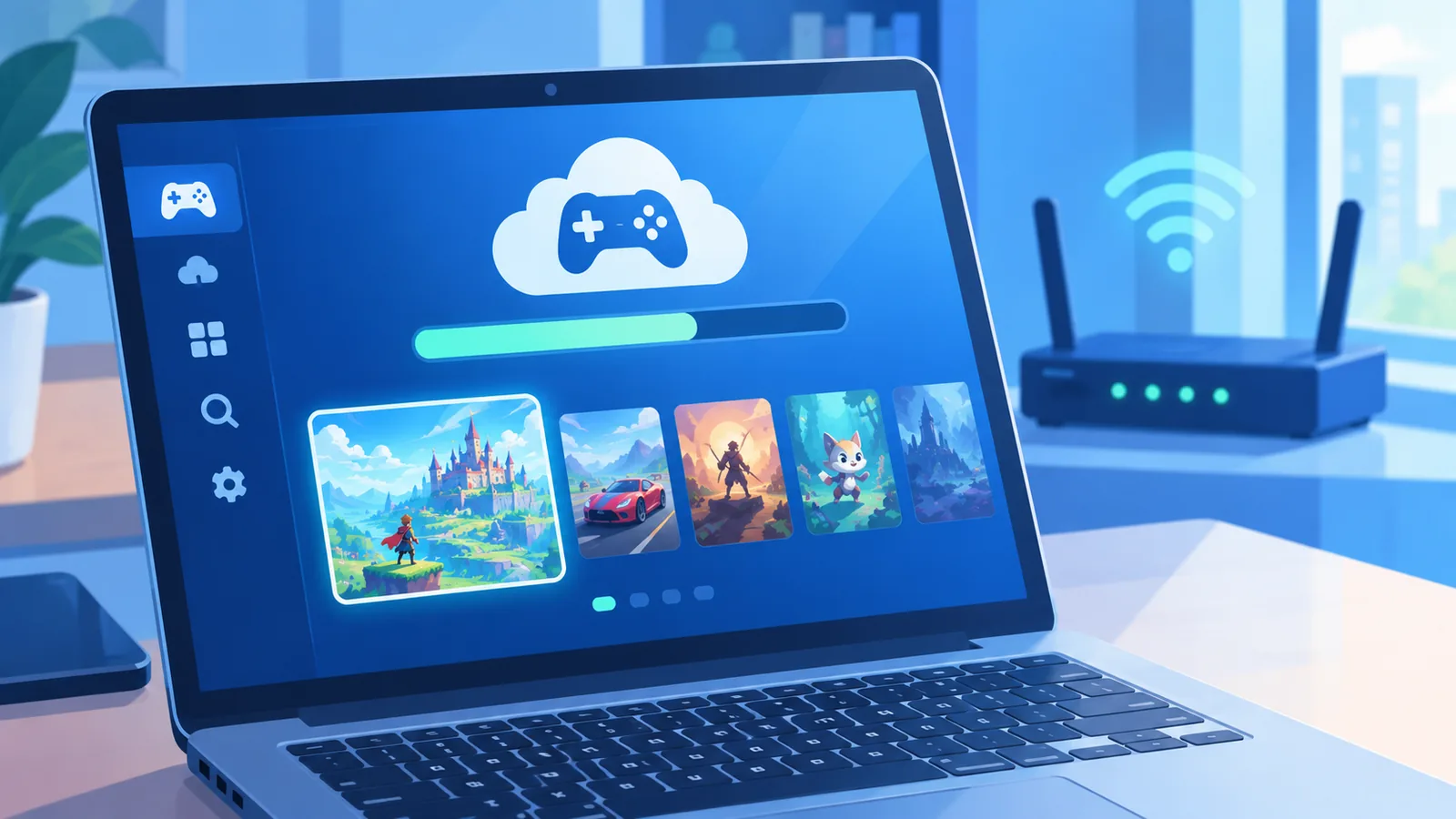
Use cases: cloud gaming is the best option if you own an older or lower-powered Mac, want access to games with no native macOS port, or prefer not to manage local storage and installs. It requires a stable, fast internet connection to feel responsive, so wired or strong Wi-Fi connections are recommended over cellular or weak Wi-Fi.
🛒 Recommended Product

Comparison Table: Genre, Platform Source, Mac Compatibility, Price
| Genre | Example Game | Mac Compatibility | Price Tier |
|---|---|---|---|
| Open-World RPG | Cyberpunk 2077 | Native Apple Silicon | Premium (one-time purchase) |
| Survival Horror | Resident Evil Village | Native Apple Silicon | Premium (one-time purchase) |
| Narrative Action | Death Stranding Director’s Cut | Native Apple Silicon | Premium (one-time purchase) |
| Large-Scale RPG | Baldur’s Gate 3 | Native Apple Silicon | Premium (one-time purchase) |
| Roguelike | Hades | Apple Silicon and Intel | Mid-range (one-time purchase) |
| Action-Platformer | Hollow Knight: Silksong | Apple Silicon and Intel | Budget-friendly (one-time purchase) |
| Cloud-Streamed AAA | Various via GeForce NOW | Native Apple Silicon (streamed) | Subscription-based |
| Casual/Arcade | Apple Arcade catalog | Apple Silicon and Intel | Subscription-based |
Where to Buy or Download Mac Games
Steam remains the largest storefront for Mac-compatible games and clearly labels macOS support on each store page, which is the fastest way to confirm compatibility before buying. The Mac App Store carries titles vetted specifically for macOS, including many Apple Arcade exclusives. Epic Games Store also supports a growing number of Mac titles, though its Mac library is smaller than Steam’s. For games without a native macOS version, cloud services such as GeForce NOW let you stream your existing Steam or Epic library on a Mac without a local install.

Pre-Purchase Checklist for Mac Gamers
- Confirm whether your Mac uses Apple Silicon (M1 or later) or an older Intel chip.
- Check the store page for explicit macOS support and whether it is native or requires a translation layer.
- Verify available storage, since modern AAA titles can require significant free disk space.
- Check controller compatibility if you plan to play action or platformer titles with a gamepad.
- Test your internet connection speed and stability if you plan to rely on cloud gaming.
- Review whether the game needs a subscription (Apple Arcade, GeForce NOW) or a one-time purchase before budgeting.
Use Cases: Which Games Fit Which Type of Player
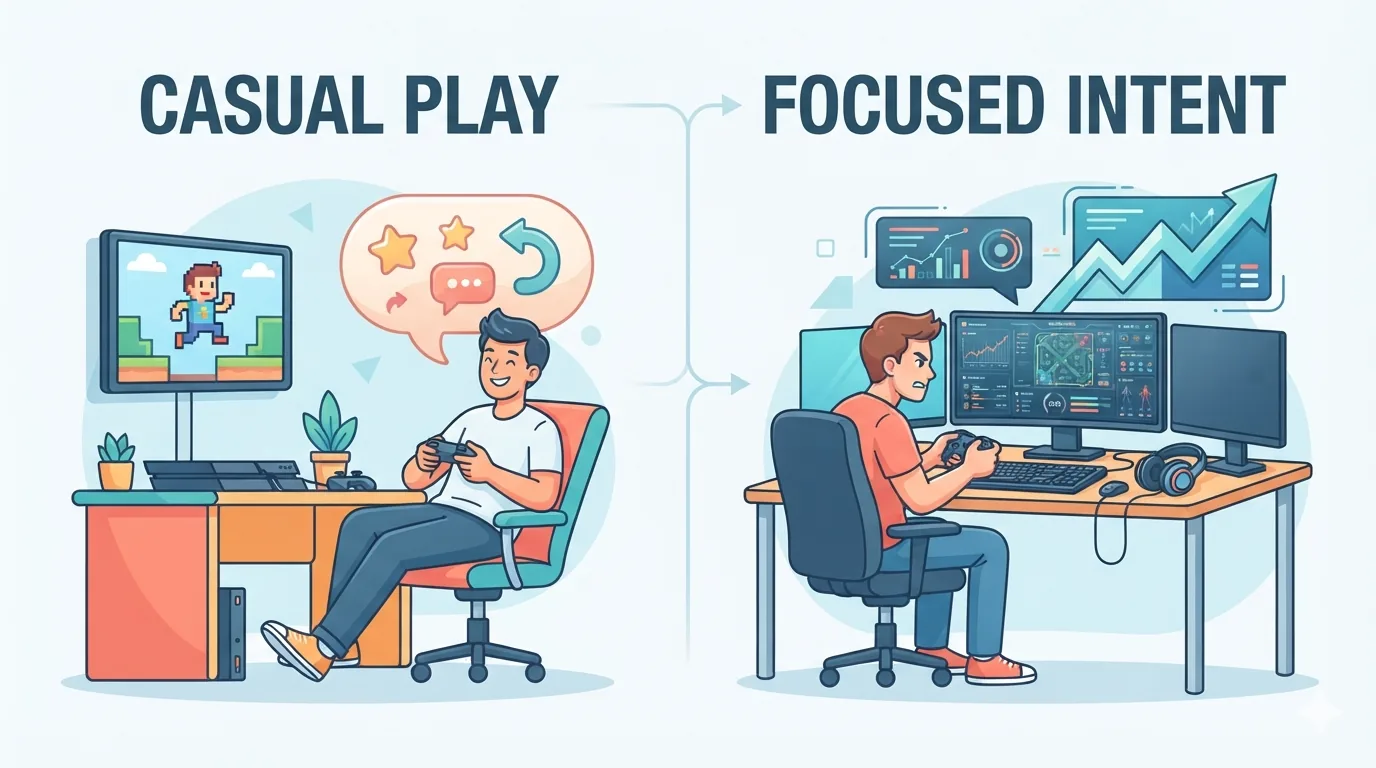
Casual players who want short, low-commitment sessions are best served by Apple Arcade’s subscription catalog or lightweight indie titles like Hades, which run well on almost any Mac. Competitive players who care about precision and responsiveness should prioritize native Apple Silicon titles with confirmed controller or keyboard-and-mouse support, such as Hollow Knight: Silksong, since translated titles can introduce input lag. Creative and narrative-focused players who want deep, story-driven experiences get the most value from native AAA titles like Death Stranding Director’s Cut or Baldur’s Gate 3, which are built to be played at a slower, more immersive pace rather than requiring peak reflex performance.

Frequently Asked Questions
Can I play AAA games on an Intel Mac?
Some older or less demanding AAA titles will run on Intel Macs, but most current native AAA releases are optimized specifically for Apple Silicon and may perform poorly or not run at all on Intel hardware.
Do I need to pay a subscription to game on Mac?
No. Many games are one-time purchases through Steam or the Mac App Store. Subscriptions like Apple Arcade or GeForce NOW are optional ways to expand your library or access cloud streaming.
Do Mac games support game controllers?
Many current Mac games, including Hollow Knight: Silksong and several Resident Evil titles, support controllers, though keyboard and mouse are typically also supported.
What internet speed do I need for cloud gaming on Mac?
Cloud gaming services generally recommend a stable broadband connection, with wired or strong Wi-Fi preferred over cellular or weak Wi-Fi for a responsive experience.
How do I know if a game runs natively on Apple Silicon?
Check the game’s store page on Steam or the Mac App Store, which typically lists Apple Silicon or Metal support directly, or check the developer’s official system requirements.
- Apple Silicon and Metal 3 gaming performance overview, 2026 Mac gaming guides.
- NVIDIA GeForce NOW official Mac support announcements.
- Apple Arcade subscription pricing and bundling information.
Want more comparisons and buying guides?